What Is Amazon Digital Downloads?
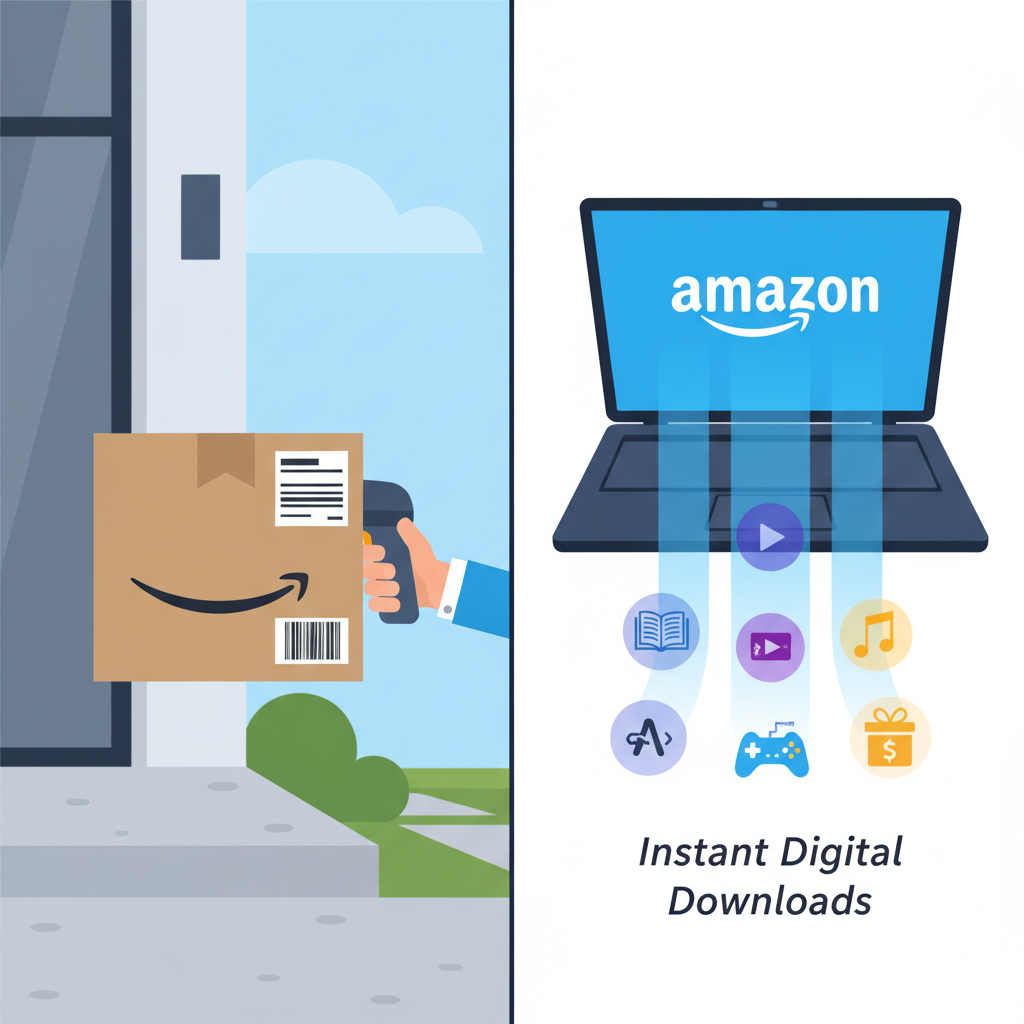
Ever bought something on Amazon… and then realized nothing is actually getting shipped to your house?
No box, no tracking number, no awkward conversation with your neighbor when they accidentally steal your package.
That’s the world of Amazon digital downloads.
If you’ve ever wondered what those are, how they work, or whether you’re about to get charged forever for a one‑time thing, this guide breaks it all down in plain English.
What are Amazon digital downloads?
Amazon digital downloads are products you buy on Amazon that you don’t physically receive. Instead, you get immediate access to a file, code, or online service.
Think of things like:
- Ebooks for Kindle
- Movies and TV shows to stream or download
- MP3 music and digital albums
- PC and console game codes
- Software licenses (like antivirus, Office, etc.)
- Digital subscriptions and add‑ons (some apps, productivity tools, cloud storage, etc.)
You pay once (or sometimes as a subscription), and instead of a box arriving, Amazon gives you a download link or access in your account.
Types of Amazon digital downloads (with examples)
Not all digital products behave the same way. Here’s how the main categories usually work.
1. Kindle ebooks
When you buy a Kindle ebook:
- It’s added to your Kindle library.
- You can read it on any Kindle device or the Kindle app (phone, tablet, browser).
- There’s no file you have to manually download; it syncs over the cloud when you’re online.
You’ll find them under Your Account → Content & Devices → Content (filter by Books/Kindle). You can also send or resend them to a specific device.
Good to know: Most Kindle ebooks are one‑time purchases, not subscriptions. Once you buy, you generally keep access (subject to Amazon account and regional rights).
Takeaway: Kindle ebooks live in your Amazon cloud library, not in your mailbox.
2. Movies & TV (Prime Video and purchases)
On Amazon, you can rent or buy digital movies and TV episodes.
- Rentals: You usually have a limited time to start watching (like 30 days), and once started, a short window to finish (often 24–48 hours).
- Purchases: The title is added to your Prime Video library, where you can stream or often download it to supported devices for offline viewing.
You access all of this via Prime Video (website, mobile app, smart TV app, Fire TV, etc.).
Gotcha: A digital movie “purchase” doesn’t mean you get an MP4 file to keep forever on any device. It means licensed access through Amazon’s ecosystem.
Takeaway: Rentals expire; purchases stick around in your Prime Video account, not as raw video files on your laptop.
3. Digital music (MP3s and streaming)
Amazon offers:
- MP3 purchases: You buy a track or album and can usually download the actual audio files or stream them.
- Amazon Music subscriptions: Access to a huge catalog you stream, but you don’t own the files.
Purchased MP3s appear in your Amazon Music library and can often be downloaded to your devices.
Takeaway: MP3 purchases = you own the tracks; Music subscription = access as long as you keep paying.
4. Software & PC/Mac downloads
This covers things like:
- Office/productivity software
- Security/antivirus tools
- Creative tools (photo/video editors)
- Utility software and more
Typically, you get:
- A download link for the installer (PC/Mac)
- A product key or activation code
You’ll see these in Your Account → Your Games and Software Library (name may vary slightly by region). From there, you download installers or copy your license keys.
Takeaway: Software downloads are usually a one‑time purchase tied to a license key stored in your Amazon account.
5. Video games and in‑game content
Amazon sells:
- Game codes for PC (Steam, Origin, etc.), Xbox, PlayStation, Nintendo, etc.
- In‑game currency or add‑ons (skins, DLC, expansion packs).
How it works:
- You purchase through Amazon.
- You get a digital code in your account or email.
- You redeem that code on the relevant platform (e.g., Steam, Xbox, PlayStation Store).
Sometimes Amazon also directly links to launch the download via a game launcher.
Takeaway: For games, Amazon is often just the middleman for the code; the actual download comes through the game platform.
6. Gift cards, subscriptions, and credits
These include:
- Amazon gift cards (email delivery)
- Store credits for other platforms (Xbox, PlayStation, Nintendo, etc.)
- Subscription codes (for software, streaming, productivity tools)
Instead of something being shipped, you receive a code or credit applied to an account.
Takeaway: If your “product” is basically a code, balance, or membership time, it’s still a digital download.
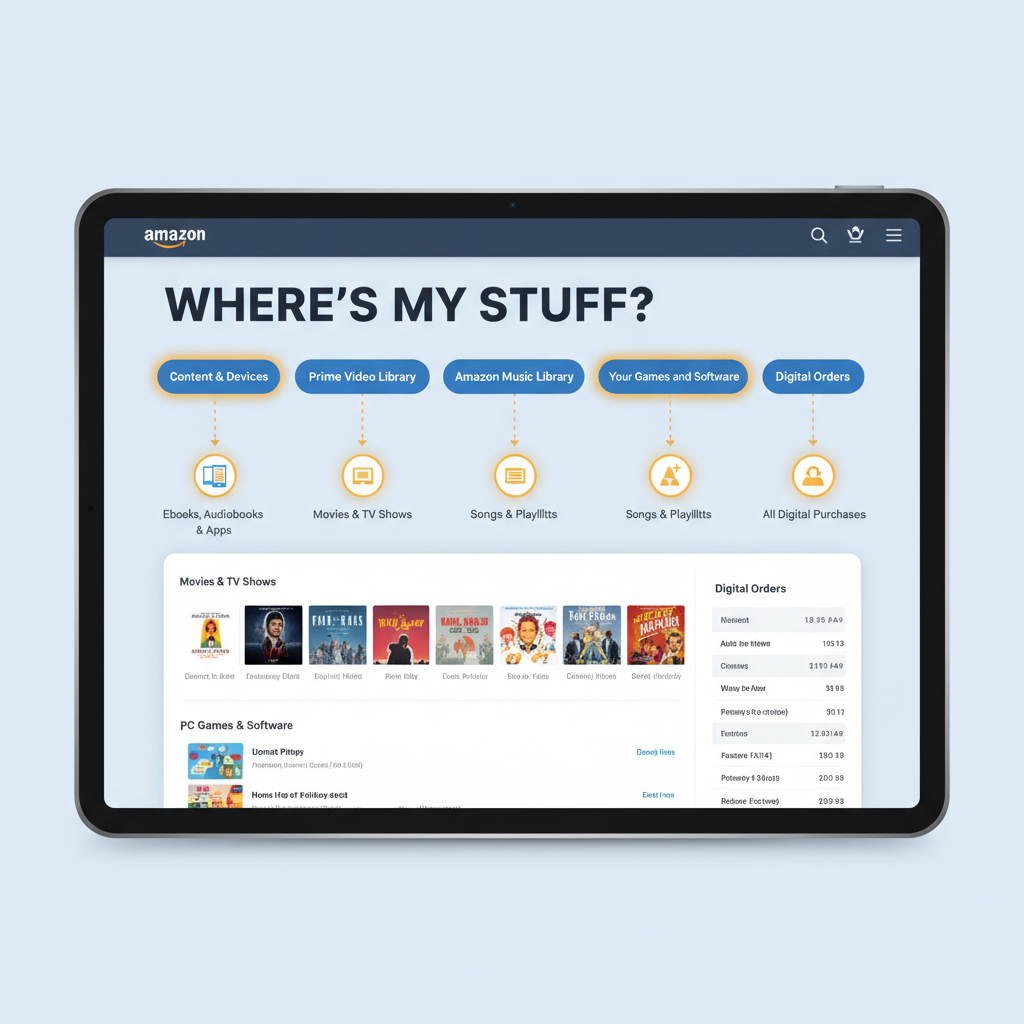
Where do Amazon digital downloads go after purchase?
The most confusing part: “Okay, I bought it… where is it?”
Here’s where different types usually show up in your Amazon account:
- Kindle books →
Account & Lists → Content & Devices → Content(Books/Kindle tab) - Movies & TV → Prime Video app or website under My Stuff / Library
- MP3 music → Amazon Music app or web player under Library
- Software & games →
Account & Lists → Your Games and Software Library - Game codes / gift cards → Code shown on order details or in Digital orders
You can also go to Your Orders → Digital Orders to see recent digital purchases and access download links or codes.
Takeaway: When in doubt, check Your Orders, then look for something like “Your Games and Software Library” or “Content & Devices.”
Are Amazon digital downloads instant?
Usually yes.
In most cases:
- You pay
- The order completes
- You immediately get access, a link, or a code
But there are a few exceptions:
- Payment verification issues can delay delivery.
- High‑value or “risky” items (like expensive software or game codes) might trigger extra checks.
- Rarely, a technical glitch can hold things up; checking Your Orders usually reveals the status.
Takeaway: If it’s not showing up within a few minutes, go to Your Orders and check for alerts or messages.
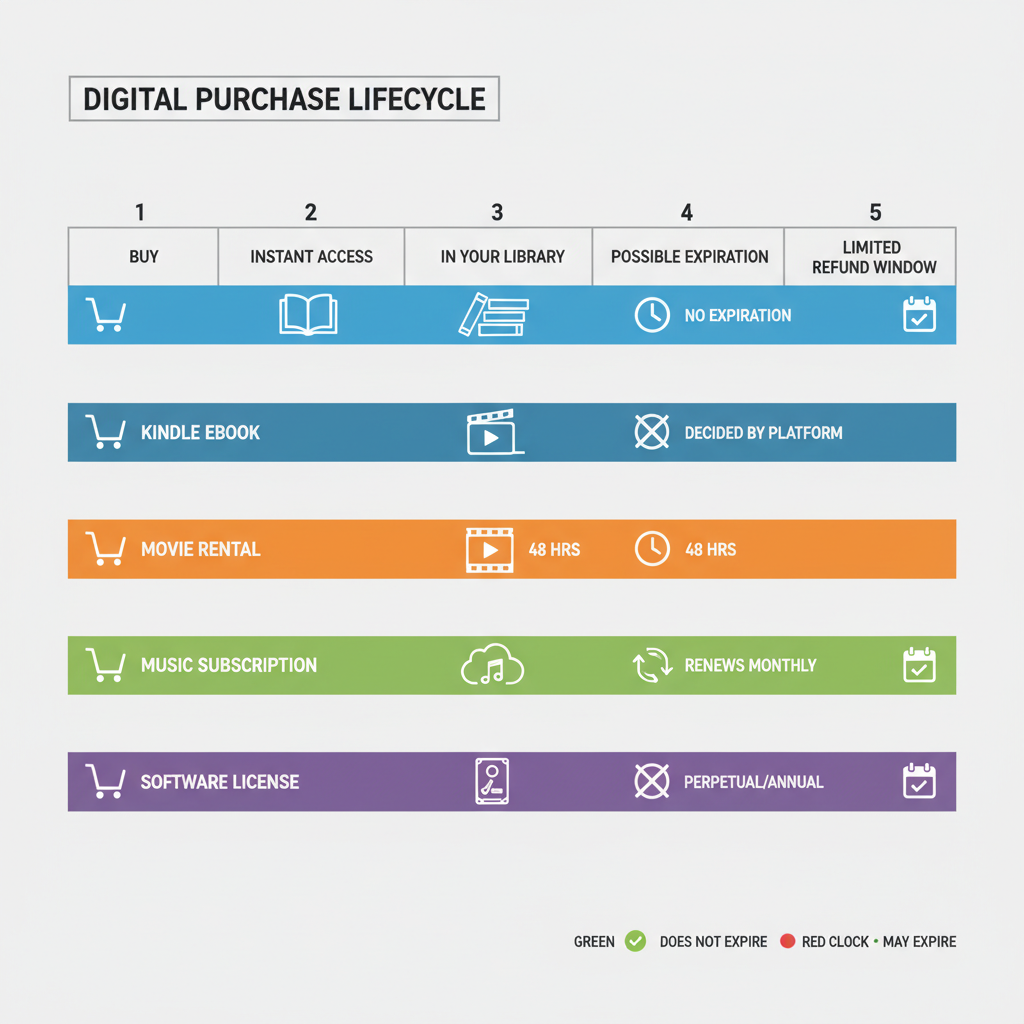
Do Amazon digital downloads expire?
It depends on the product type.
Usually don’t expire (as long as the service exists and your account is in good standing):
- Kindle ebooks you buy
- Digital movies and TV shows you buy (not rent)
- MP3s you purchase
- Most software licenses (though some are subscription‑based or time‑limited)
Usually do have limits:
- Movie rentals (time‑limited viewing)
- Subscriptions (music, software, services) end when you stop paying
- Some game subscriptions or passes (e.g., 3‑month access, 12‑month code)
Always check the product page for wording like:
- “One‑time purchase”
- “Subscription”
- “License valid for 1 year”
Takeaway: Digital ≠ forever. Rentals and subscriptions have built‑in expiration, even on Amazon.
Are Amazon digital downloads refundable?
This is where people often get surprised.
Refunds on digital items are more limited than physical products because once you access a code or file, you can’t really “return” it.
Broadly:
- Many digital items are non‑refundable once delivered or accessed.
- Some categories (like Kindle ebooks or accidental purchases) may have short refund windows, especially if you haven’t heavily used the item yet.
- Policies can vary by region, product type, and usage.
If you think a purchase was:
- Accidental
- Unauthorized
- Misleading based on the description
…it’s still worth going to Your Orders → Problem with order → Request refund and seeing what options are available.
Takeaway: Don’t assume you can refund every digital purchase. Read the policy on the product page, especially for pricey software and game codes.
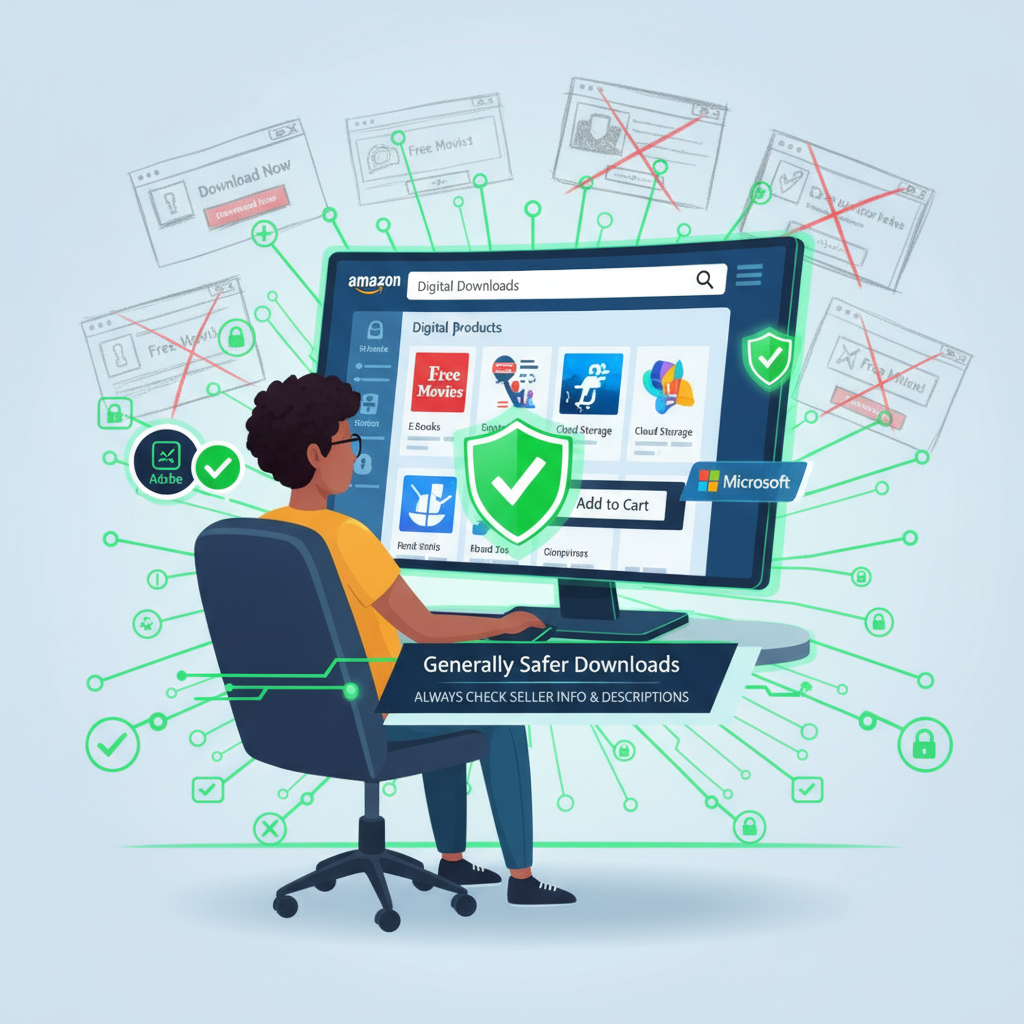
Are Amazon digital downloads safe?
Generally, yes—especially compared to downloading random files from sketchy sites.
Amazon digital downloads are usually:
- From known publishers or developers
- Hosted/managed through Amazon’s infrastructure
- Scanned or vetted more than a typical random download
Still, some smart habits:
- Only buy from listings that clearly show the publisher or developer name you recognize.
- Avoid third‑party sellers that look off, have no reviews, or unclear product descriptions.
- Make sure you’re downloading software through Amazon’s official “Your Games and Software Library” page, not via weird links.
Takeaway: Digital downloads from Amazon are typically safe, but you should still read descriptions and seller info carefully.
Common questions about Amazon digital downloads
1. Do I need Prime for Amazon digital downloads?
No. You do not need Prime just to buy digital products like ebooks, software, or game codes.
You do need Prime for Prime Video streaming benefits and certain included content, but you can still buy or rent non‑Prime movies without it.
2. Can I share my digital downloads?
It depends:
- Kindle ebooks: You may be able to use Household/Family Sharing for certain titles or share across your own devices tied to the same account.
- Movies & TV: Usually tied to your account; you can watch on multiple devices, but “sharing” beyond your household is restricted.
- Software and game codes: Often one‑license per user or device. Some platforms allow family sharing; others don’t.
Always check the license terms or FAQ for that product or platform.
3. Can I use Amazon digital downloads on multiple devices?
Often yes, but with limits:
- Kindle books: Multiple devices/apps signed into your Amazon account.
- Prime Video: Multiple devices, but limited concurrent streams.
- MP3s: You can usually download to several devices.
- Software: Depends heavily on the specific license (e.g., “1 PC,” “up to 5 devices,” etc.).
Takeaway: Multi‑device use is common, but “unlimited sharing with everyone you know” is not.
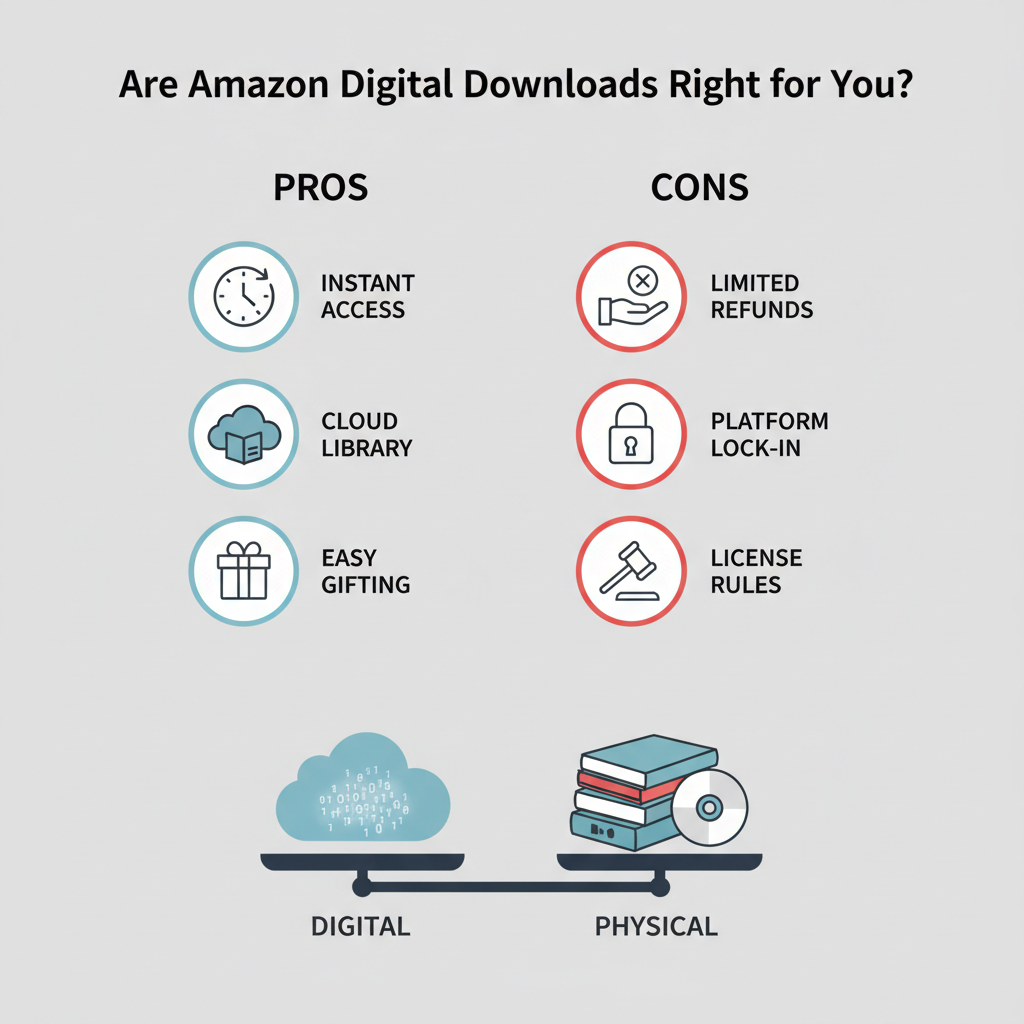
Pros and cons of buying digital downloads on Amazon
Pros
- Instant access — no shipping, no waiting.
- Everything in one place — books, movies, music, games, software.
- Cloud storage — many items live in your Amazon library and can be re‑downloaded.
- Easy gifting — digital codes and gift cards can be sent instantly.
Cons
- Limited refunds — especially for codes and software.
- Platform lock‑in — movies, ebooks, and music are often tied to Amazon apps.
- License rules — what you “own” can still depend on licensing terms.
Takeaway: Digital downloads are super convenient, but read the fine print before big purchases.
How to quickly tell if a product is an Amazon digital download
When you’re on a product page, look for these signals:
1. Delivery type
- Says things like “Email delivery,” “Code will be delivered digitally,” or just shows “Digital” instead of shipping options.
2. Platform info
- For games/software, it lists platform (PC, Mac, Xbox, PlayStation) and mentions “digital code” or “online game code.”
3. No shipping address required
- At checkout, if it doesn’t ask for a shipping address, you’re dealing with a digital product.
4. Instant delivery wording
- Phrases like “Available instantly” or “Download now” are a giveaway.
Takeaway: If there’s no shipping, just a code or stream, you’re in digital‑download territory.
Final thoughts: When are Amazon digital downloads worth it?
Amazon digital downloads are great when you:
- Want instant access (tonight’s movie, today’s ebook, this moment’s game).
- Prefer cloud libraries over physical clutter.
- Need software or game codes fast.
- Want to gift something last‑minute without mailing a box.
They’re less ideal if you:
- Prefer physical collections (Blu‑rays, discs, printed books).
- Want simple, no‑questions‑asked returns.
- Don’t like being tied to one company’s ecosystem.
If you understand how they work—where to find them, what you actually “own,” and the refund limits—Amazon digital downloads can be incredibly convenient and surprisingly powerful.
And hey, no more pacing by the door waiting for the delivery truck.
Leave a Reply