Does Amazon Offer a Military Discount?
If you’ve ever stood in a long exchange line wondering, “Couldn’t I just Prime this to my door…and maybe get a military discount?”, you’re not alone.
Let’s walk through what Amazon actually offers service members, veterans, and military families — and how to still squeeze every possible dollar of value out of it.
Quick answer: Does Amazon offer a military discount?
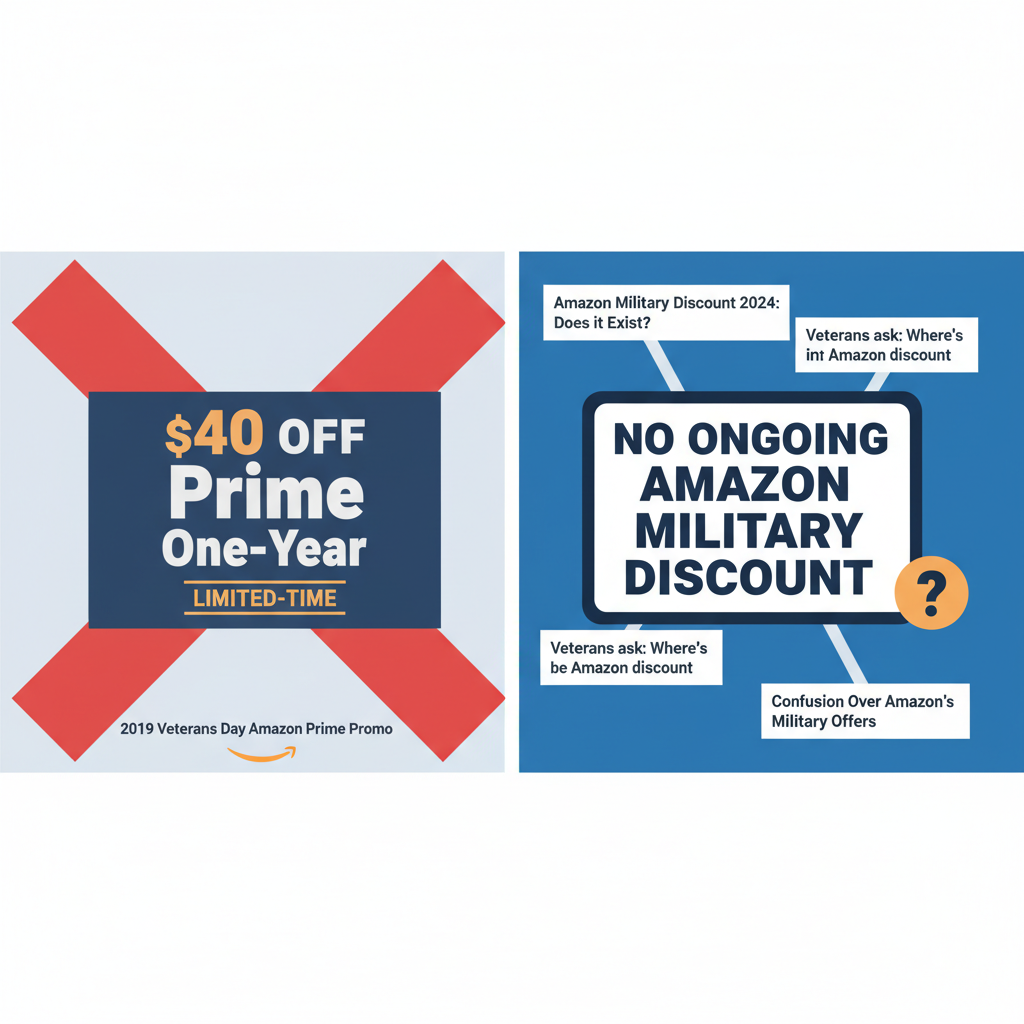
Short version: No, Amazon does not currently offer an ongoing, sitewide military discount or a permanent Amazon Prime military discount.
According to multiple deal and military-focused sites, Amazon does not have a standard, year-round military discount program for Prime or regular shopping. (dealnews.com)
In the past, Amazon has tested a few one-off deals for military members:
- In 2019, Amazon ran a Veterans Day promo offering $40 off one year of Prime for verified veterans and service members (Prime dropped from $119 to $79 for that year). (news.va.gov)
- Some Veterans Day seasons since then have featured big discounts on select items (often 20% or more), but those were open to everyone, not just military. (dealnews.com)
As of early 2026, there is no official, ongoing Amazon military discount on Prime or general purchases.
So… why do people think Amazon has a military discount?
A lot of confusion comes from two things:
-
Old Veterans Day promos
That 2019 Prime deal was heavily promoted by the VA and military sites, so articles and posts about it still float around the internet. (news.va.gov) -
Military-focused deal pages and headlines
You’ll see pages titled things like “Amazon Military Discount” or “Amazon Veterans Day Discount,” but when you read the fine print, they usually clarify: there’s no ongoing discount; they’re just tracking occasional promos or general Amazon deals that happen to be good for military families. (dealnews.com)
Does Amazon offer any military perks at all?

While there’s no standing military discount, there are a few perks that are especially useful if you’re in uniform, a veteran, or part of a military family.
1. Free Prime shipping to APO/FPO addresses
If you’re OCONUS, this is a big one.
Amazon ships many Prime-eligible items free to APO/FPO/DPO addresses, with the usual fast shipping — often 2-day within the U.S., longer overseas but still free for Prime items. (thekrazycouponlady.com)
Catches to know about:
- Some products can’t ship to APO/FPO (for example, certain electronics, lithium batteries, bulky items, or specific programs like “Try Before You Buy”). (thekrazycouponlady.com)
- Shipping times can vary significantly depending on where you’re stationed.
You’re at an APO in Germany. Kids need school supplies that the exchange doesn’t have. You order via Amazon Prime — notebooks, pencils, a backpack. All ship free to your APO address. But that electric scooter with a lithium battery? That one might be blocked from APO shipment.
2. On-base pickup and returns at many Army & Air Force exchanges
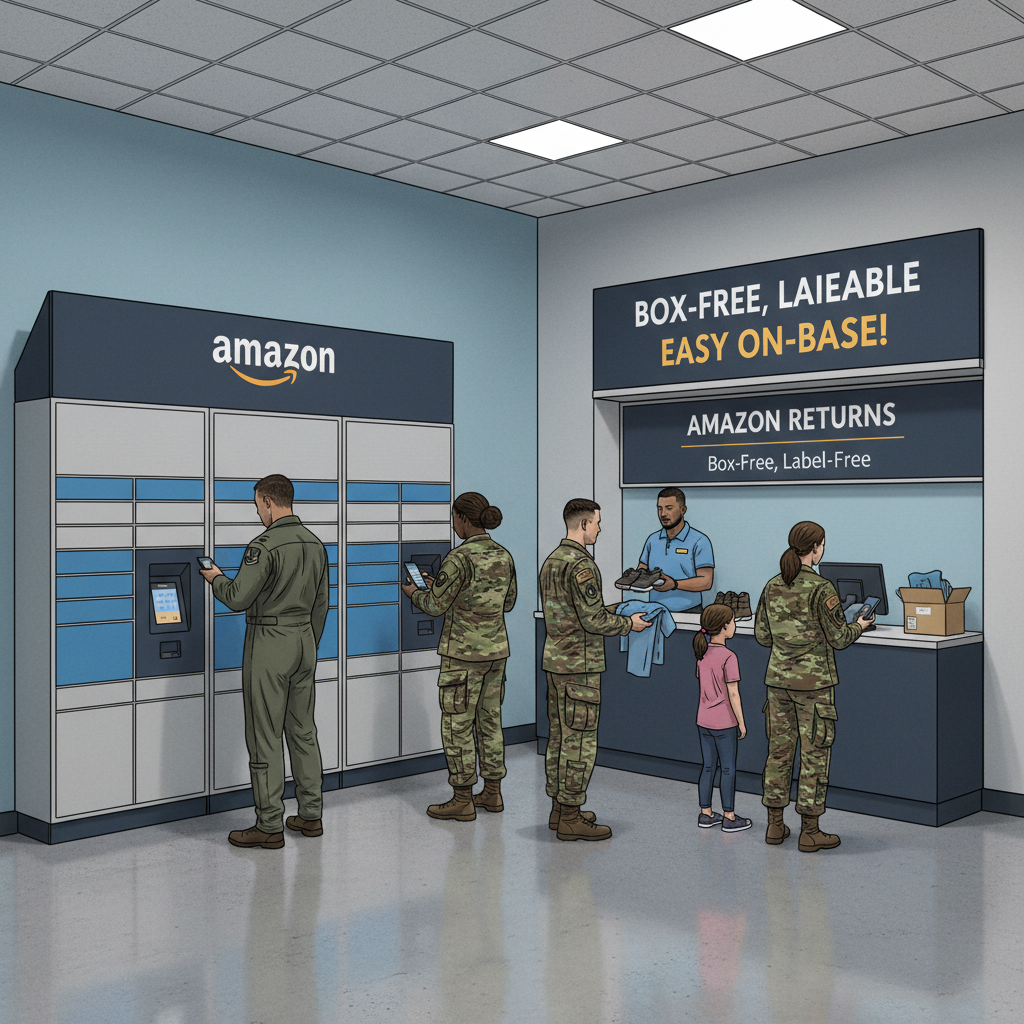
Amazon has partnered with the Army & Air Force Exchange Service (AAFES) to offer package pickup and label-free, box-free returns at more than 90 U.S. Army and Air Force installations. (aboutamazon.com)
What this means in real life:
- You can send Amazon orders to designated pickup spots on base.
- You can return items without a printer, tape, or a spare box — just drop them at a participating Exchange location.
You’re living on base, juggling kids, PT, and duty. Instead of stalking porch pirates or wrestling with shipping labels, you:
1. Ship your package to the Exchange pickup location.
2. Grab it on your way back from the commissary.
3. If you need to return something, you just bring the item; Amazon and the Exchange handle the rest.
3. Occasional Veterans Day deals (but usually not military-only)
In recent years, Amazon has shifted away from specific “Prime discount for military only” and more toward sitewide or category-based sales around Veterans Day.
For example:
- Military-focused deal sites report that Amazon has offered at least 20% off select items around Veterans Day — open to all customers, not just service members. (dealnews.com)
These sometimes get labeled as “Veterans Day military deals,” but they don’t require proof of service.
How Amazon compares to other military discounts
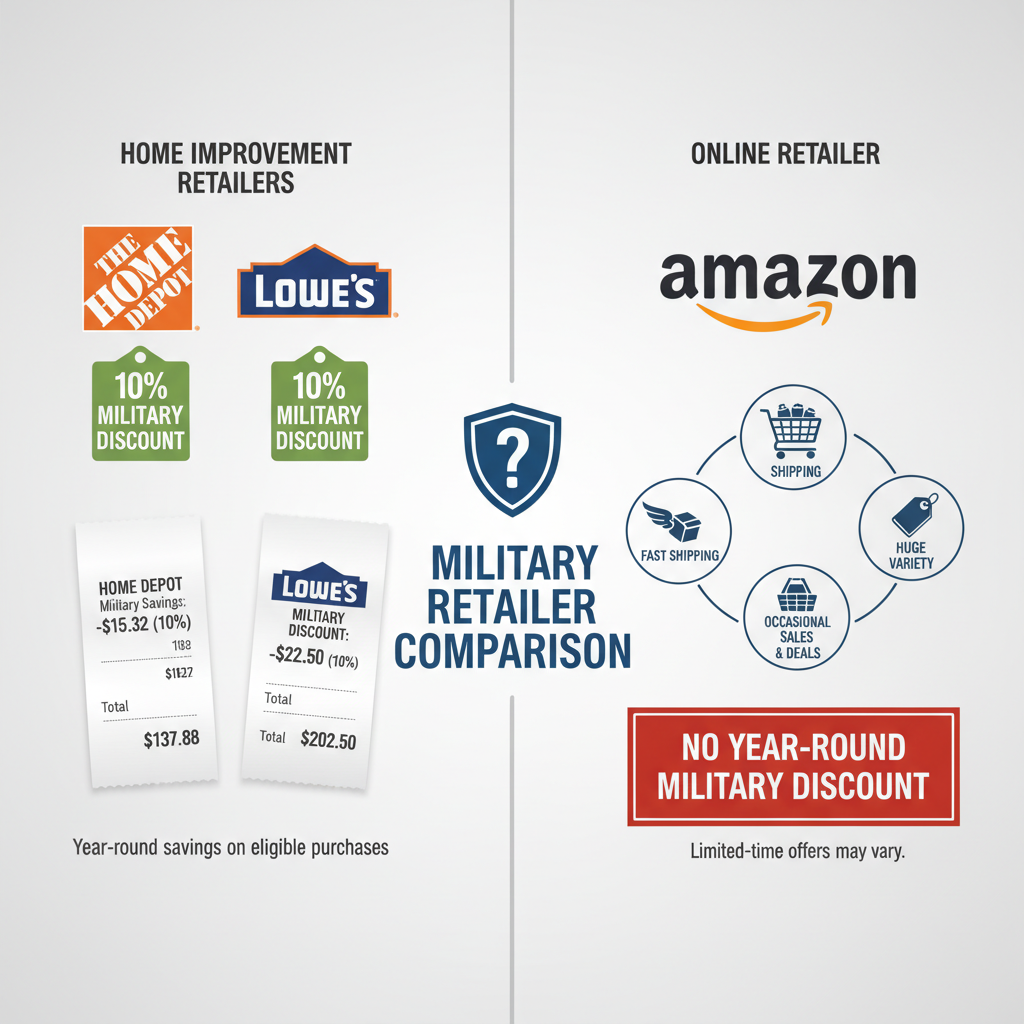
If you’re specifically hunting for true, year-round military discounts, Amazon is… not the star of the show.
Many other retailers do offer ongoing savings for service members, like:
- Home Depot: typically 10% off eligible purchases for active duty and veterans (with some restrictions).
- Lowe’s: usually 10% off eligible full-priced items for military members and immediate family. (dealnews.com)
By comparison, Amazon:
- Has no across-the-board percentage-off military discount. (dealnews.com)
- Focuses more on shipping, convenience, and occasional promos.
Ways military members can still save money on Amazon

No dedicated military discount? Fine. We work the system.
Here are legit ways to lower your Amazon bill, even without a uniform-specific deal.
1. Use alternative Amazon Prime discounts (if you qualify)
While there is no Prime military discount, there are Prime discounts for other groups:
- Prime Student:
Free 6-month trial, then roughly 50% off Prime pricing for eligible college students. (dealnews.com) - Government assistance discount:
Discounted Prime pricing for customers using eligible EBT or Medicaid benefits (about 50% off the regular monthly cost). (dealnews.com)
These aren’t tied to service, but many military spouses, veterans, or dependents might qualify under student or assistance criteria.
2. Stack Amazon’s own deal ecosystems
Even without a military discount, Amazon has layers of ways to pay less:
- Subscribe & Save:
Save up to 15% when you bundle 5+ subscriptions in one delivery (think diapers, detergent, pet food). - Amazon Warehouse & Renewed:
Open-box or refurbished items at a discount — great for electronics, tools, and household gear. - Lightning Deals & Coupons:
Extra savings for limited-time promos; you’ll often find solid deals around Prime Day, Black Friday, and Veterans Day that rival what a 10% military discount would give you.
You’re restocking household basics after a PCS. You:
1. Put cleaning supplies, TP, dog food, and snacks on Subscribe & Save.
2. Grab a refurbished vacuum from Amazon Warehouse at 30% off.
3. Clip an extra coupon on detergent.
Result: You’re effectively beating or matching the 10% you’d get at some military-discount retailers — just through stacking.
3. Use rewards cards and gift card hacks
If you’re already disciplined with credit, this can be powerful:
- Use a cash-back or points credit card that offers bonuses on online shopping, grocery, or general purchases.
- Watch the Exchange or other retailers for discounted Amazon gift cards around holidays — their sale + your normal Prime savings = extra margin. (iptvthefox.com)
4. Time big purchases around Amazon’s major sale events
Amazon’s mega-sales can save you more than a typical military discount would:
- Prime Day (often in the summer)
- Black Friday/Cyber Monday
- Veterans Day–adjacent promotions
Military-focused sites regularly track the best Amazon deals for service members and families around these events. (dealnews.com)
Should you still get Amazon Prime if you’re military?
Let’s be real: whether Prime is “worth it” depends less on your branch and more on your lifestyle.
Prime might still be worth it if:
- You live on or near base where shopping is limited and you order online a lot.
- Your family is separated (deployments, geo-baching, training) and you rely on shipping gifts and care packages.
- You regularly use Prime Video, Prime Music, photo storage, and other bundled services.
It might not be worth it if:
- You don’t shop online that often.
- You live near great local stores that already give strong military discounts.
- You only signed up hoping for a big, ongoing military discount that doesn’t exist.
Quick mental math test:
- Estimate what you’d save each year in shipping and discounts.
- Compare that to the current annual Prime cost.
- If your realistic savings don’t comfortably beat the membership fee, it’s probably not worth it.
Bottom line: Does Amazon offer a military discount?
- No ongoing Amazon military discount on Prime or regular purchases as of early 2026. (dealnews.com)
- Past Veterans Day Prime discounts for military (like 2019’s $40-off offer) were limited-time and haven’t become permanent. (news.va.gov)
- There are meaningful perks for military families — APO/FPO shipping, on-base pickup/returns, and huge periodic sales — but they’re not labeled as formal military discounts. (aboutamazon.com)
If you’re active duty, a veteran, or a military spouse, the real strategy is:
- Use Amazon for what it’s unbeatable at: selection, fast shipping (especially to APO/FPO), and convenience.
- Stack its built-in savings tools: Subscribe & Save, Warehouse, coupons, Prime Day, Veterans Day promos.
- Use other retailers for true military discounts when they clearly beat Amazon’s pricing.
No magic 10%-off code for your CAC card… yet. But with a little strategy, you can still make Amazon work for your military life — not against your budget.