Amazon ASIN Labels Made Simple
If you’ve ever stared at an Amazon “FNSKU” or “ASIN” label and thought, yeah, I’m just going to wing it, this post is for you.
Because here’s the truth: sloppy Amazon ASIN labels can quietly wreck your FBA inventory, cause receiving delays, and even get your listings flagged. Not fun.
Let’s fix that.
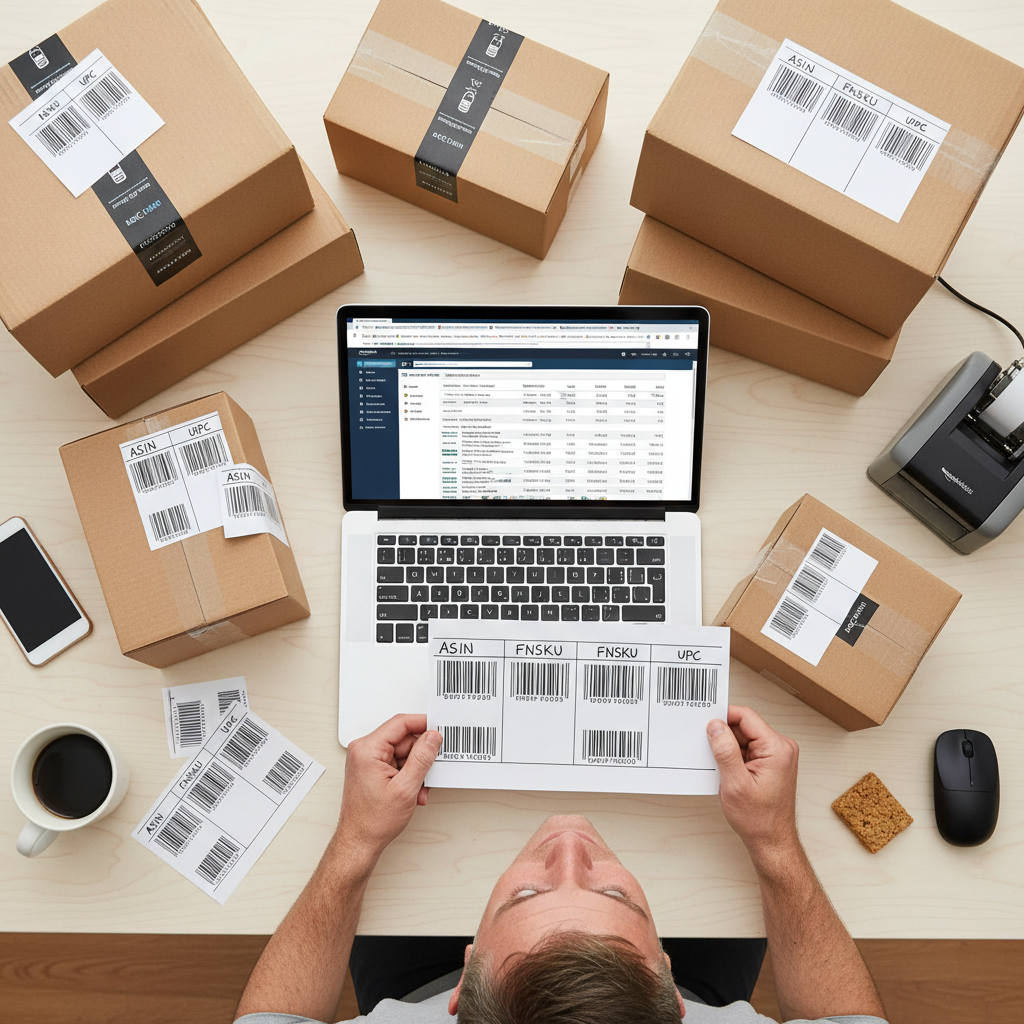
What Is an Amazon ASIN Label, Really?
An ASIN (Amazon Standard Identification Number) is Amazon’s unique product ID — a 10-character code that identifies each listing in Amazon’s catalog.
Example: B07PGL2ZSL (that’s an ASIN).
When people say “Amazon ASIN label,” they usually mean one of two things:
- A label that shows the ASIN (for internal use, organization, or non-FBA purposes), or
- An Amazon FBA barcode label (FNSKU) that’s linked to the ASIN and used to track your inventory inside Amazon’s warehouse.
If you’re doing FBA, what actually matters for Amazon’s systems is the FNSKU label, not a random label that just prints the ASIN text.
ASIN vs FNSKU vs UPC: Which Label Goes Where?
Let’s sort out the alphabet soup.
-
ASIN
– Assigned by Amazon.
– Used on product pages and in Seller Central.
– You don’t scan it in a warehouse; it’s more of a catalog ID. -
UPC / EAN / ISBN (Manufacturer barcode)
– Comes from the brand/manufacturer.
– Used for retail scanning (store checkout, etc.).
– Amazon can sometimes use this as the tracking barcode if your listing is set to “Manufacturer barcode” tracking. -
FNSKU (Fulfillment Network Stock Keeping Unit)
– Generated by Amazon per listing, per seller.
– This is the barcode you print as the classic Amazon FBA label.
– It tells Amazon: this unit belongs to Seller X, under ASIN Y, with SKU Z.
So when you hear people talk about “Amazon ASIN labels” for FBA, what they normally mean is:
“the label I need to put on my products so Amazon knows what they are.”
In practice, that’s the FNSKU label, not just the ASIN.
When Do You Actually Need an ASIN Label?
You’ll deal with ASIN-related labels in three common situations:
-
FBA: Sending inventory to Amazon
– You either:
• Use manufacturer barcodes (no extra FNSKU stickers if your product is eligible), or
• Use Amazon FNSKU labels (you or Amazon apply them to each unit). -
FBM (Fulfilled by Merchant): Organizing your own warehouse
– You might create internal ASIN labels to stick on shelves, bins, or master cartons so your team can quickly match products to Amazon listings. -
Prep centers / 3PLs:
– They need clear labels (ASIN, SKU, product title) to avoid mixing products and to apply FNSKU correctly.
How to Get the Correct Amazon Label for an ASIN
Let’s walk through the process for FBA, since that’s where most people get tripped up.
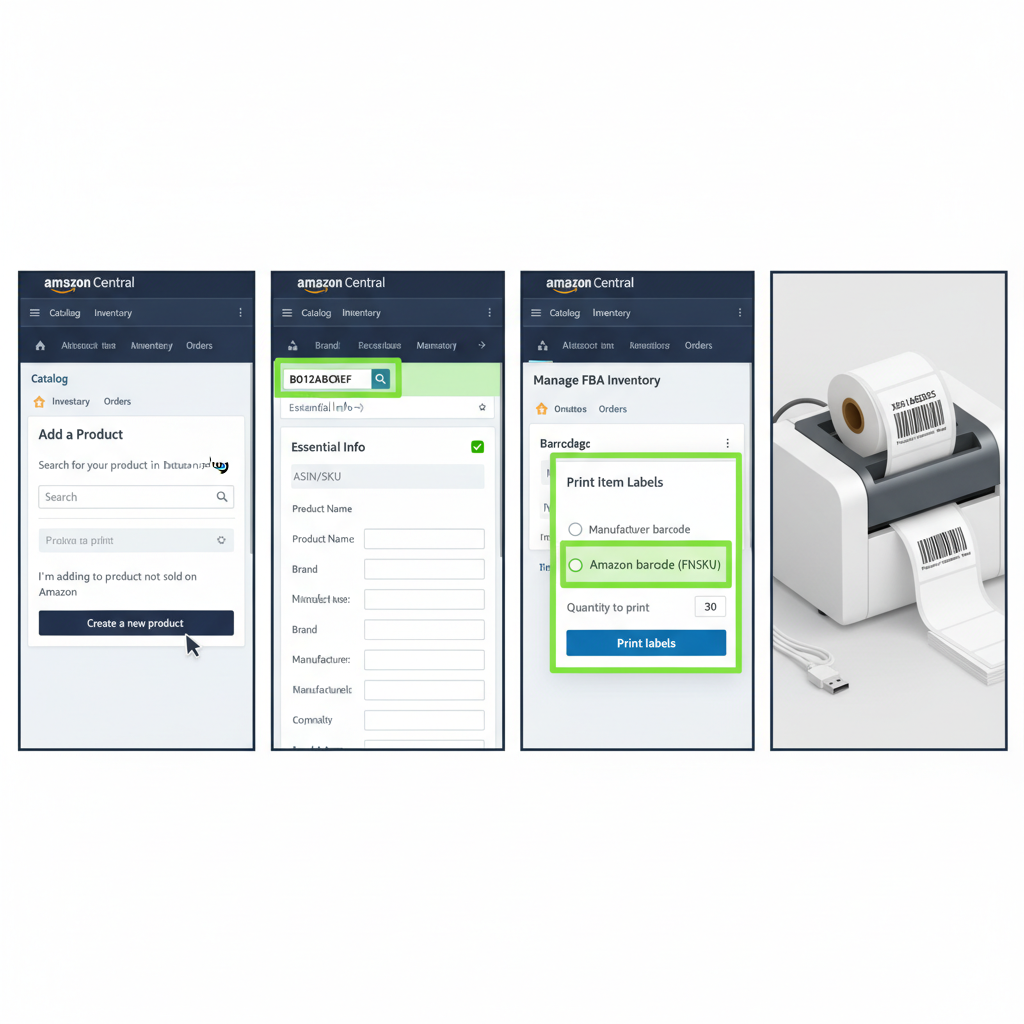
Step 1: Create Your Listing and Get the ASIN
- In Seller Central, go to Catalog → Add Products.
- Either:
– Match an existing listing (then you’re using an already-existing ASIN), or
– Create a new product (Amazon will generate a brand-new ASIN for you). - Once the listing is created, note the ASIN shown on the product detail page or in your inventory table.
You now have an ASIN — but not a label yet.
Step 2: Decide How Inventory Will Be Tracked
For each listing, Amazon lets you choose one of two barcode types:
-
Manufacturer barcode (your UPC/EAN/ISBN)
– Amazon will treat identical products with the same manufacturer barcode as interchangeable, across sellers.
– You don’t need to sticker each unit with an FNSKU if the product is eligible. -
Amazon barcode (FNSKU)
– Each unit is uniquely tied to your seller account.
– You must label each sellable unit with the FNSKU.
Most private label and brand owners choose Amazon barcode (FNSKU) for better control and to avoid inventory commingling.
Step 3: Generate the FNSKU Label for Your ASIN
Once your offer is set to use an Amazon barcode:
- In Manage All Inventory, find your product.
- Choose Print item labels (or go via the Send to Amazon workflow).
- Amazon will generate a PDF with FNSKU barcodes.
- These labels usually include:
- The FNSKU barcode
- Human-readable FNSKU text
- Product title or short description
- Sometimes the condition (New, Used, etc.)
If you want the ASIN printed on the label too (for your team), you can:
- Add it to your packaging design (e.g., on the box).
- Use a custom label layout in third-party labeling software (ShipStation, ScanPower, etc.) that combines FNSKU + ASIN + SKU + description.
Amazon ASIN Label Requirements (So You Don’t Get Rejected)
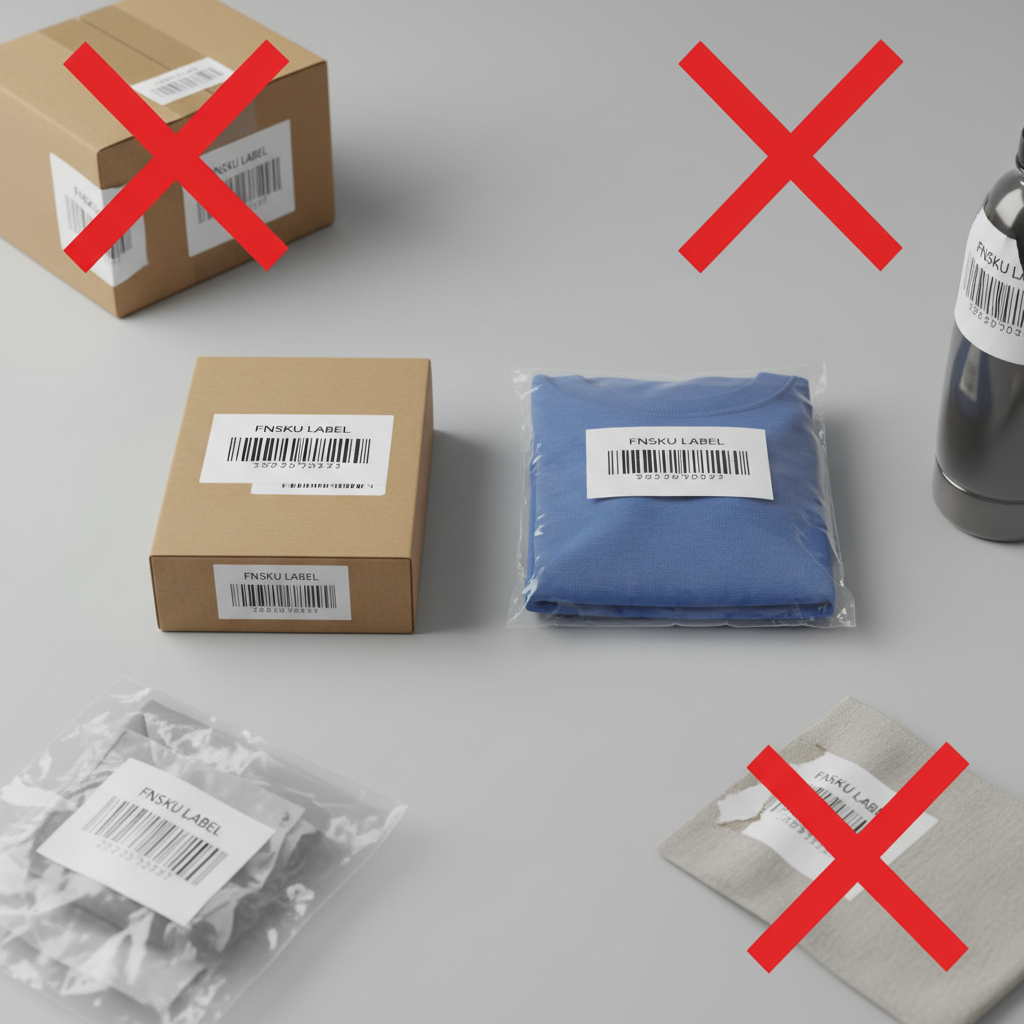
If you’re labeling products for FBA, Amazon is picky — and they should be. A bad label means the warehouse team can’t scan it quickly.
Here are the practical rules you should follow:
-
Label placement
– Flat, smooth surface (no curves, no seams).
– Not on an edge or corner.
– Not covering important product info (safety warnings, regulatory labels).
– For boxes, a wide, visible side is best. -
Label quality
– Use laser or thermal printers, not inkjet if you can avoid it (inkjet can smear).
– Use non-glossy, smudge-free label stock.
– Black-on-white barcodes scan best. -
Barcodes must be scannable
– No wrinkles, folds, or bubbles.
– Don’t tape over the barcode (shiny tape can cause scan issues).
– If your product has a manufacturer barcode and an FNSKU, make sure only one barcode is scannable — cover or cross out the one you’re not using. -
One FNSKU per unit
– Every sellable unit needs a unique FNSKU label tied to the ASIN/offer.
– Multi-pack or bundle? They get their own FNSKU, not the single-unit one.
Examples: What an Amazon ASIN Label Setup Looks Like
Here are a few real-world-style scenarios to make this concrete.
Example 1: Private Label Water Bottle (FBA)
- You create a new listing → Amazon assigns ASIN
B0XXXXXXX1. - You choose Amazon barcode for tracking.
- You download FNSKU labels from Seller Central.
- Your manufacturer prints the FNSKU directly on the box, and you also add the ASIN in text near the bottom for reference.
Result: Amazon scans FNSKU, you and your team can refer to the ASIN.
Example 2: Retail Arbitrage Toy (FBA)
- The toy already has a UPC and existing ASIN on Amazon.
- You list against that ASIN.
- To avoid commingling, you switch to Amazon barcode.
- You print FNSKU stickers and place one over the manufacturer’s UPC.
Result: Amazon’s system uses your FNSKU label and knows every unit belongs to your account.
Example 3: FBM Seller Using ASIN Labels for Bins
- You fulfill orders yourself (FBM/FBM Prime).
- Your warehouse has dozens of SKUs shared across multiple channels.
- You create custom ASIN + SKU labels for each bin (e.g., “ASIN: B0XXXXX, SKU: RED-MUG-SMALL”).
Result: Pickers can quickly match Amazon orders to the right shelf using ASIN, even though no FNSKU is required.

Should You Pay Amazon to Label Your ASIN Products?
If labeling sounds like a chore, Amazon will happily do it for you — for a fee per unit.
You might let Amazon handle labels if:
- You ship large volumes and don’t have good labeling equipment.
- Your supplier can’t reliably apply labels.
- You’d rather pay a bit more to avoid mistakes.
You should probably label yourself or use a prep center if:
- You want to keep costs as low as possible.
- You already have a thermal printer and workflow.
- You ship from overseas and prefer to prep closer to your market.
Many sellers start by having Amazon label for them, then gradually move to self-labeling or a prep center as they scale.
Best Practices for Managing ASIN and Label Chaos
A few habits that save you hours later:
-
Keep an ASIN master sheet
– Track: ASIN, SKU, FNSKU, product title, dimensions, and main image.
– Share it with your supplier, prep center, and internal team. -
Standardize label naming
– Example file name:FNSKU_B0XXXXXXX1_BLUE-20OZ.pdf
– Avoid mystery files likelabels_final_new2(1).pdf— future you will not be amused. -
Bundle SKUs properly
– If you sell a 3-pack, create a separate listing/ASIN and FNSKU for that bundle.
– Mark packaging clearly: “This is a set — do not separate”. -
Test-scan before shipping
– Use a cheap USB or Bluetooth barcode scanner, or a scanning app.
– Make sure every label pulls up the right FNSKU/ASIN in your system.
Short FAQ: Amazon ASIN Labels
Do I have to print the ASIN on the physical product?
No. Amazon doesn’t require the ASIN to be printed on packaging. What matters for FBA is a scannable barcode (FNSKU or manufacturer barcode, depending on your settings).
Can I use the ASIN itself as a barcode?
Not by default. Amazon expects a proper barcode format (the FNSKU). You could encode the ASIN into a custom internal barcode for your own warehouse, but Amazon won’t treat that as an FNSKU.
What if my labels get damaged during shipping?
If Amazon can’t scan your units, they may charge you for relabeling or mark the units as unfulfillable. Use good labels and packing to protect surfaces.
Can one ASIN have multiple FNSKUs?
Yes — if different sellers list the same ASIN using Amazon barcodes, each seller gets their own FNSKU for that ASIN.
Final Thoughts: Keep It Simple
Think of it this way:
- ASIN is for the catalog and humans.
- FNSKU is for Amazon’s warehouse scanners.
- ASIN labels are anything you create to make your operations smoother — but for FBA, the FNSKU label is the non‑negotiable star of the show.
Get your ASINs organized, your FNSKU labels clean and consistent, and your products will glide through Amazon’s fulfillment network instead of getting stuck in receiving limbo.
And hey — once you’ve nailed labels, you’re officially doing better than a surprising number of Amazon sellers.
Leave a Reply