Amazon Package Delayed In Transit: What Now?

We’ve all done it.
You order something on Amazon, blink once, and suddenly you’ve checked the tracking page 14 times in one day. Then you see it:
“Package delayed in transit.”
Cool cool cool. What does that even mean? Is your package lost? Stuck in a truck? Taking a gap year?
Let’s break down what “delayed in transit” actually means on Amazon, what usually causes it, and the realistic moves you can make (beyond refreshing the tracking page like it owes you money).
What does “package delayed in transit” mean on Amazon?
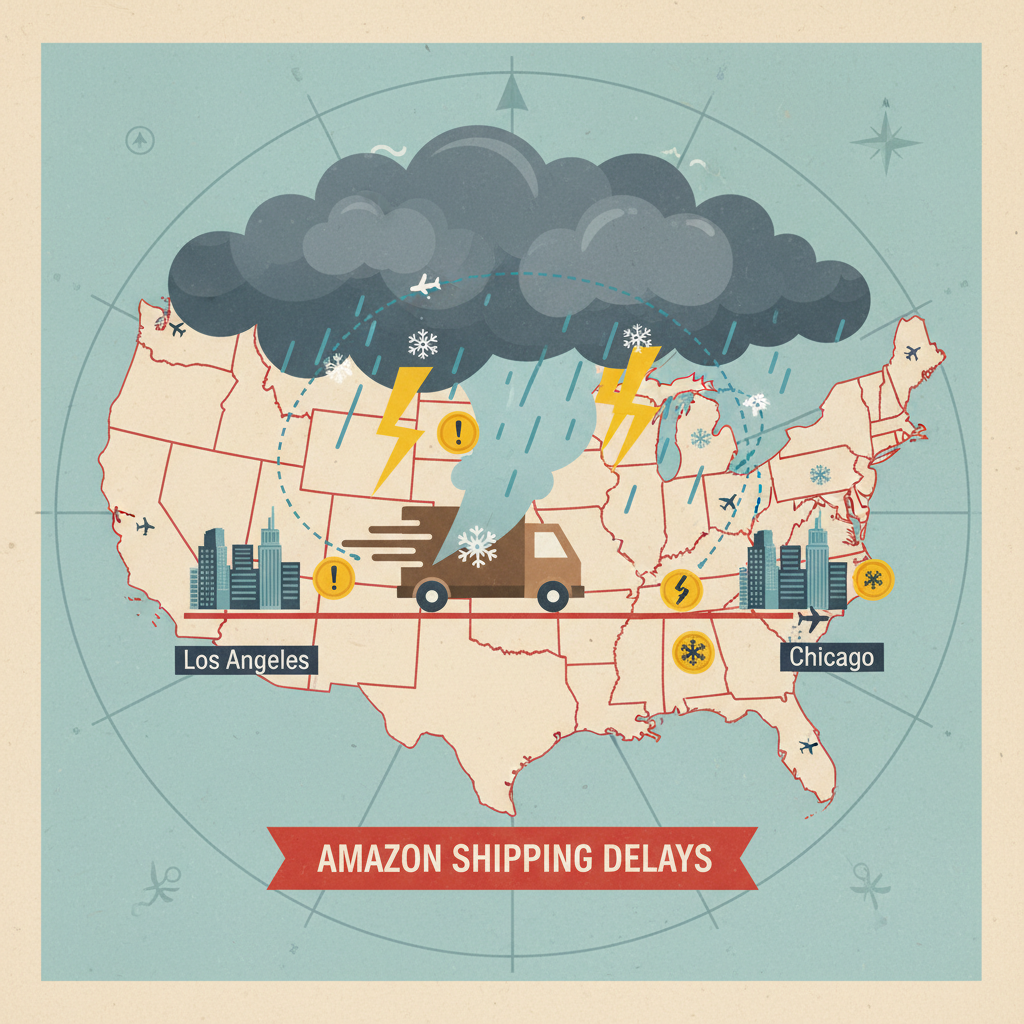
In plain English: your package is still on its way, but something slowed it down.
It usually means:
- The carrier (UPS, USPS, FedEx, Amazon Logistics, or a regional courier) hit a snag.
- The package hasn’t necessarily gone missing.
- The original delivery date is no longer guaranteed.
Think of it as: “We didn’t totally mess this up… yet. But the schedule? She’s gone.”
Quick takeaway: “Delayed in transit” ≠ automatically lost. It just means something interfered with the normal route or timing.
Common reasons your Amazon package gets delayed in transit

There are a handful of usual suspects behind that dreaded message.
1. Weather and natural disruptions
Storms, floods, snow, wildfires, hurricanes—anything that affects transportation routes can slow or halt deliveries. Carriers may pause operations in specific regions entirely when conditions are unsafe.
What you’ll often see:
- Tracking stalls at a distribution center.
- Vague updates like “Delivery delayed due to weather.”
What to do: Honestly? Not much. Carriers will usually resume as soon as it’s safe and clear the backlog.
Takeaway: If the weather’s bad in your state (or along the route), assume that’s your culprit.
2. High-volume periods (hello, holiday chaos)
Around Prime Day, Black Friday, Cyber Monday, and December holidays, carriers and Amazon warehouses run at max capacity. That’s when packages most often get marked as “delayed in transit”.
Why?
- Way more packages than usual.
- Limited truck space and driver capacity.
- Backlogs at sorting centers.
Real talk: When you order 7 things on Christmas week and all say “arriving tomorrow,” you’re betting against math.
Takeaway: If it’s a big shopping season, delays are common and often clear up on their own within a day or two.
3. Misrouted or stuck at a facility
Sometimes a package is scanned into the wrong facility or ends up in a sorting loop.
Signs this might be happening:
- Tracking shows your package bouncing between the same two facilities.
- It goes to a city that makes zero geographic sense.
- No movement for 2–4 days while still marked “in transit.”
Carriers can usually fix a misroute, but it eats up time.
Takeaway: Weird routing doesn’t always mean “lost,” but if scans stop for several days, it may be time to contact Amazon.
4. Address issues
Tiny address mistakes can cause big delays:
- Missing apartment or unit number
- Old address still saved in your Amazon account
- Ambiguous or incomplete street info
- Gated communities or tricky building access
Carriers might:
- Hold the package for clarification
- Attempt delivery and fail
- Eventually return it to sender (Amazon or the seller)
Takeaway: If your address in the order is off by even a little, assume that’s part of the problem.
5. Carrier logistics and staffing problems
Behind the scenes, things go wrong:
- A truck breaks down.
- A trailer gets overloaded and some packages miss that run.
- A facility is understaffed or backlogged.
- A scan was missed (the package is moving but the tracking isn’t updated).
This is why tracking sometimes jumps from “delayed in transit” to “out for delivery” with no in-between.
Takeaway: The tracking page doesn’t show the full story; a lack of scans isn’t always bad news.
How long do Amazon “delayed in transit” packages usually take?

There’s no one exact answer, but here’s what typically happens:
- Minor delay: 1–2 extra days, often after a weather hiccup or high-volume day.
- Moderate delay: 3–5 days if misrouted or heavily backlogged.
- Major issue / likely lost: 7+ days with no movement or a tracking page that stops updating entirely.
Amazon will usually show a new “expected by” date or change the status to something like “Running late – we’re working on it” or “Your package may be lost” when delays go beyond the norm.
Takeaway: A one- or two-day delay is very normal. Start worrying (and acting) if you’re past several days with no updates.
What should you do when your Amazon package is delayed in transit?
Here’s a practical game plan that doesn’t involve yelling at your tracking page.
Step 1
Check the tracking details carefully
Open your order, then:
- Look for: Last scan location and time.
- Check: Any notes about weather, address, or delivery issues.
- See if: Amazon has already updated the delivery window.
If you see a message like “Running late, but still arriving”, Amazon still believes it will get to you without further action.
When to just wait:
- Delay is under 48 hours.
- There was a recent scan (within the last 1–2 days).
- Weather or holidays are clearly a factor.
Step 2
Give it a short grace period
As annoying as it is, waiting 24–48 hours past the original delivery date often solves the issue. Many delayed-in-transit packages just show up late.
Good rule of thumb:
- If the status is still updating (even slowly), it’s probably still moving.
- If it hasn’t updated at all in several days, that’s different.
Takeaway: If it’s only been a day or two, patience is actually the best move (I know, I hate it too).
Step 3
Contact Amazon when it crosses the line
If your package is several days late or tracking has been frozen with “delayed in transit” and no new scans, it’s time to pull Amazon into the conversation.
You can:
- Go to Your Orders.
- Find the delayed order.
- Click “Problem with order” or “Track package” → “Get help with order.”
- Choose delivery issue options like:
- “Package didn’t arrive”
- “Running late”
Amazon support is usually very generous with solutions like:
- A free replacement (for items still in stock)
- A full refund (especially if the item is no longer needed or available)
When to contact them immediately:
- The item was time-sensitive (travel dates, medical supplies, gifts).
- The tracking says “delivered” but you didn’t receive it.
Takeaway: Once it’s clearly late (not just slightly behind), Amazon support is your best option—not the carrier.
Step 4
Decide between refund, replacement, or waiting
Amazon may ask: “Do you want a refund or a replacement?”
Things to consider:
Refund makes sense if:
- You no longer need the item.
- You had to buy a replacement locally.
- The delay is long and there’s still no tracking movement.
Replacement makes sense if:
- You still really want the item.
- It’s something you can wait a few more days for.
Sometimes the original package still shows up after you’ve gotten a refund or replacement. In that case, Amazon will tell you what to do (often they’ll just say you can keep it or they’ll provide return instructions depending on the item and price).
Takeaway: There’s no “wrong” choice here—pick what makes your life easier.
What if your Amazon package is marked “delayed in transit” for a week?
If it’s been around 5–7 days with:
- No new scans
- Still stuck on “delayed in transit”
- Or Amazon changing the message to “Your package may be lost”
…then it’s almost certainly not showing up on time—if at all.
At that point:
- Stop waiting. Don’t keep giving it “one more day.”
- Go through Your Orders → Problem with order.
- Request a refund or replacement.
If Amazon itself sold and shipped the item (not a third-party seller), resolutions are usually faster and more consistent. If it’s a marketplace seller, Amazon still often steps in on your behalf when delivery fails.
Takeaway: A week of “delayed in transit” limbo = time to officially close the chapter.
Can you contact the carrier directly about a delayed Amazon package?

You can, but it’s often a mixed experience.
- Some carriers will let you start a trace or service request for a delayed package.
- Others will tell you to work through Amazon, especially for Amazon Logistics shipments.
And realistically:
- The carrier can rarely refund you directly.
- Amazon is the one with the power to resend or refund.
Best move: Skip the middle steps and let Amazon deal with the carrier. That’s part of what you’re paying for with their platform.
Takeaway: When in doubt, always start with Amazon customer support—not the carrier.
How to reduce the chances of “delayed in transit” next time
You can’t control the weather or holiday shopping chaos, but you can stack the deck in your favor.
1. Triple-check your shipping address
Before checking out, make sure:
- Apartment/suite number is included and correct.
- Your phone number is up to date (helpful for some couriers).
- You’ve removed old or similar addresses that might confuse you when selecting.
Pro tip: If you recently moved, delete or clearly label old addresses in your address book.
2. Avoid cutting it too close on time-sensitive items
If you must have something by a specific date (trip, event, holiday gift):
- Order a few days earlier than you think you need to.
- Avoid depending on “Arrives tomorrow” if a delay would ruin your plan.
Future you will be very grateful you didn’t gamble the birthday gift on a snowstorm three states away.
3. Consider Amazon Locker or secure delivery locations
If you live in an apartment complex, busy city area, or a place with tricky delivery access:
- Use an Amazon Locker or Amazon Hub counter when available.
- These locations can reduce failed attempts, misdelivery, or driver confusion.
While this doesn’t prevent every “delayed in transit” issue, it does reduce address-related drama.
4. Expect delays during huge sales and peak seasons
Plan for some Amazon packages to be late during:
- Prime Day
- Black Friday / Cyber Monday
- The weeks before major holidays
Build that into your expectations and timing. If you get everything early, it’s a pleasant surprise instead of a crisis.
Takeaway: You can’t eliminate all delays, but you can make them less stressful—and less likely to ruin plans.
When an Amazon delay is annoying vs. when it’s a red flag
Annoying but normal:
- Delayed 1–2 days
- Recent tracking scans show movement
- Clear weather/seasonal pattern
Red flag:
- No tracking updates for 3–7 days
- Amazon pushes the date back multiple times with no details
- Status changes to “may be lost” or disappears from carrier tracking
If your gut says, “This is taking way too long,” it’s probably time to message Amazon.
They’ve handled millions of delayed and lost packages. Their systems and policies are built around solving this exact irritation.
Final word: Your package is delayed, not your power
Seeing “package delayed in transit” on Amazon is frustrating, but it doesn’t mean you’re stuck.
Your playbook is simple:
- Check tracking and give it a short grace period (24–48 hours).
- If there’s no real movement or it’s clearly late, contact Amazon, not the carrier.
- Choose what works for you: refund or replacement.
- Next time, reduce risk with better timing, accurate addresses, and realistic expectations around big shopping events.
The tracking page may not always have good news—but at least you now know exactly what to do when it doesn’t.
Leave a Reply