Amazon Returnless Refund: How It Really Works
What it means when Amazon says “Here’s your refund — no need to return the item,” and how it really works for both buyers and sellers.

If you’ve ever gotten an Amazon refund email that basically says, “Here’s your money back—no need to return the item,” you probably did a double take.
Wait… I get the refund and I keep the product?
Is this a glitch? A trap? A secret Amazon loyalty test?
Welcome to the world of the Amazon returnless refund.
In this post, we’ll break down what returnless refunds are, why Amazon does them, how they work for buyers and sellers, and what the fine print looks like—without sounding like a 40-page policy doc.

What is an Amazon returnless refund?
An Amazon returnless refund is when Amazon (or a third-party seller on Amazon) issues a refund without requiring you to send the item back.
Instead of generating a return label, Amazon’s system decides it’s not worth the shipping, processing, and restocking costs. You get your money back (or a replacement), and you usually keep or dispose of the product.
You’ll typically see something like:
“We’ve issued your refund. You don’t need to return the item.”
This can apply to:
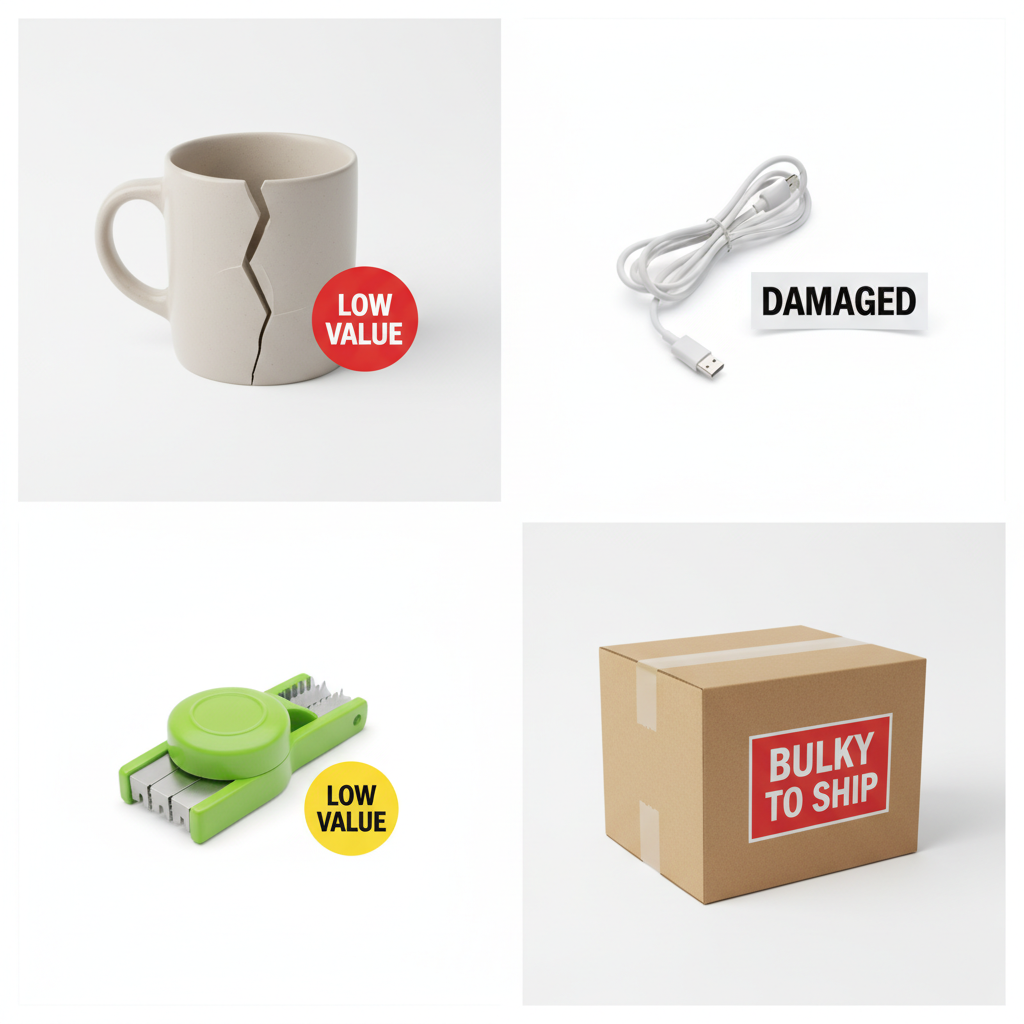
- Cheap, low-cost items
- Bulky or heavy items that are expensive to ship
- Damaged, defective, or unsellable products
- Certain categories where inspection isn’t worth it
Quick takeaway: If Amazon says you don’t have to return it, that’s intentional. It’s not a bug in the Matrix.
Why does Amazon offer returnless refunds?
From the outside, it looks too generous. But financially, it’s often smart.
Here’s what’s going on behind the scenes.
1. Shipping and processing can cost more than the product
For low-priced items—think a $7 phone case or $5 pack of pens—the cost to:
- Pay for return shipping
- Receive the item back at a warehouse
- Inspect and restock or dispose of it
…can easily be more than the value of the product itself.
In those cases, it’s cheaper to hit the “refund and don’t return” button.
2. It reduces friction and keeps customers happy
Amazon lives and dies on customer satisfaction. A painful returns process can push people to other retailers.
A fast, no-hassle returnless refund:
- Makes you feel taken care of
- Turns a bad purchase into a surprisingly positive experience
- Increases the chance you keep shopping on Amazon
3. Some items can’t or shouldn’t be resold
If a product is opened, used, defective, or falls under hygiene/safety rules (e.g., certain beauty, personal care, or food items), it might not be resellable anyway.
Rather than paying to bring back an item they can’t use, Amazon just refunds you and moves on.
Quick takeaway: Returnless refunds are a cold, calculated business move that happens to feel very warm and generous.
When are you likely to get a returnless refund?
There’s no public, official list of which orders qualify, and the decision is heavily automated. But based on patterns and seller experiences, here are common scenarios where Amazon may trigger a returnless refund.
1. The item is low value
Small, inexpensive products are prime candidates. For example:
- A $9 cable that arrived damaged
- A $6 kitchen gadget that wasn’t as described
- A $12 toy missing a small accessory
At that price point, the math usually favors a returnless refund.
2. The item is damaged, defective, or mis-shipped
If your order:
- Arrives broken
- Has missing parts
- Is the wrong color/size/model
- Was clearly mis-shipped
Amazon may refund you without asking for it back—especially if the item can’t be resold.
3. It’s bulky or expensive to ship back
Sometimes the shipping cost back is the problem.
Think:
- Low-to-mid price but heavy household items
- Certain furniture parts
- Bulky decor that’s not super valuable
If it’s awkward, low-margin, and a pain to move through the returns system, returnless is attractive.
4. Third-party sellers enable it to save time and ratings
Many Amazon marketplace sellers can opt into returnless refunds for certain price ranges or categories in their settings.
Why they do it:
- Fewer back-and-forth messages with buyers
- Less risk of negative feedback
- No need to process low-value returns
Quick takeaway: There’s no guaranteed trigger, but low value + damaged/defective + annoying to ship is the magic combo.
Do you have to send the item back anyway?
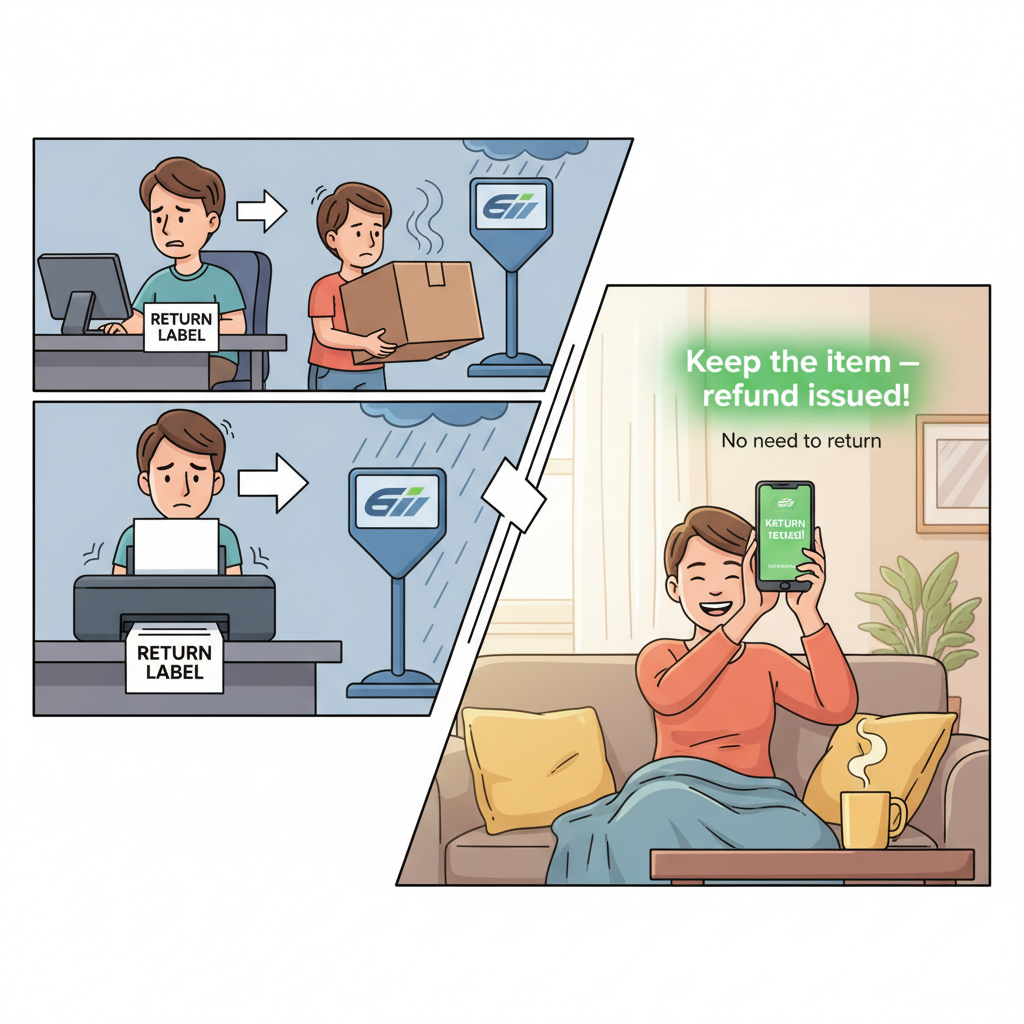
Short answer: No—unless Amazon explicitly tells you otherwise.
If your refund confirmation says something like:
- “You do not need to return the item.”
- “Keep the item, we have issued your refund.”
…then you’re done. The return step is officially skipped.
If the message does not say that, and you just got a standard return label or instructions, then it’s a normal return—not a returnless one. In that case, you must send the item back to keep the refund.
Rule of thumb: Always read the email or order details page carefully. If it says you must return it, follow the instructions. If it clearly says you don’t, you’re in the clear.
Can Amazon charge you later if they change their mind?
In typical returnless refund cases where Amazon or the seller clearly states that no return is required, it’s extremely rare for them to later demand the product or reverse the refund—assuming you didn’t abuse the system.
However, Amazon does reserve the right to:
- Review suspicious account activity
- Flag repeated or high-value refunds
- Close accounts for abuse or policy violations
Quick takeaway: If you’re honest and not gaming the system, you generally don’t have to worry about them coming back for the item.

Is it legal and ethical to keep the item after a returnless refund?
Legally, when Amazon tells you that you don’t need to return an item, that’s part of the refund agreement. You’re not stealing; you’re following the process they offered.
Ethically, a few guidelines keep things clean:
- Be honest in your claim. Don’t exaggerate issues to “fish” for a free product.
- Don’t repeatedly abuse returns. If your account is a pattern of “everything arrived broken, guess I’ll keep it,” that’s a problem.
- Dispose of unsafe items responsibly. If an item is clearly defective or dangerous, don’t keep using it just because it was free.
Use the policy the way it was intended: as a convenience when something actually goes wrong.
Real-world examples of Amazon returnless refunds
To make this concrete, here are a few realistic scenarios.
Example 1: The broken mug
You order a $10 ceramic mug. It arrives in three tragic pieces.
You:
- Go to your Orders
- Click Return or replace items
- Choose Item arrived damaged
Amazon processes the request and sends you a message:
“We’ve issued your refund. You don’t need to return the item.”
You get your $10 back, and you toss the broken mug. No trip to UPS.
Example 2: The wrong-sized T-shirt from a third-party seller
You buy a T-shirt from a marketplace seller. The size is way off.
You start a return, and the seller approves a returnless refund to avoid paying return shipping and risking a bad review.
You get your money back. Maybe you donate the shirt, maybe you use it as a sleep shirt. Either way, there’s no return label.
Example 3: The cheap phone accessory that isn’t compatible
You order a $7 phone adapter that turns out not to work with your device.
Instead of spending $4–$6 in return shipping and handling, Amazon’s system just auto-approves a refund without requiring the item back.
Quick takeaway: Most returnless refunds are boringly practical. The item’s cheap, the problem is real, and the math says “just refund it.”
How Amazon returnless refunds work for sellers
If you’re an Amazon seller, returnless refund settings can be both a blessing and a headache.
Why sellers enable returnless refunds
Sellers often choose to enable this option for certain SKUs or price ranges because it:
- Reduces logistics costs for low-value items
- Decreases the volume of returned inventory
- Speeds up customer resolution and can improve feedback
They can specify conditions like:
- Product category
- Price threshold
- Reason for return (e.g., damaged, not as described)
Downsides for sellers
Of course, it’s not all sunshine:
- You eat the product cost entirely
- Abusive buyers can repeatedly claim issues
- Margins shrink if your products are frequently refunded returnless
Sellers have to watch return rates closely and adjust products, listings, or packaging if a particular item generates a lot of problems.
Quick takeaway (seller view): Returnless refunds are a tactical tool, not a default. They work best on low-cost, low-risk items.
How to tell if your Amazon refund will be returnless
You won’t know for sure until you go through the return process, but here’s what to look for.
- Start a return from your Orders page.
- Select the reason (damaged, defective, not as described, etc.).
-
Proceed to the last step where Amazon shows you:
- Refund method (original payment, gift card, etc.)
- Return method (drop-off location, label… or no return needed)
If it’s a returnless refund, you’ll see language explaining that you don’t need to send the product back.
If you only see drop-off options and labels, it’s a standard return.
Can you ask specifically for a returnless refund?
You can’t directly choose “returnless refund” as an option in the interface. It’s automatically decided based on Amazon’s internal rules and, in some cases, seller preferences.
However, you can:
- Clearly explain the issue
- Upload photos if the item is damaged or defective
- Be specific: “The product arrived broken and unusable” or “wrong item received, not worth returning due to low value”
Sometimes, especially with smaller sellers, honest and clear communication can lead them to decide a returnless refund is the simplest path.
But there’s no guaranteed “hack” button for it—and trying to game it is the fastest way to get your account flagged.
Best practices for buyers using Amazon’s returnless refund
To stay on Amazon’s good side while still benefiting from the convenience, keep these simple rules in mind:
- Only request refunds when there’s a real issue. Don’t use it as a discount strategy.
- Keep your return history reasonable. If half your orders “need” refunds, that’s a red flag.
- Follow the instructions in your refund email. If they say no return needed, cool. If they require a return, follow through.
- Be accurate with reasons. Marking “item defective” when it’s really just “changed my mind” is lying—and it can hurt sellers.
Quick takeaway: Use the policy as intended and you’ll get the benefit without the risk.
Key takeaways: Amazon returnless refunds, in plain English
- Amazon returnless refund = you get your money back and don’t have to send the item back.
- It usually happens for low-value, damaged, defective, or hard-to-return items.
- The decision is mostly automated and/or based on seller settings—you can’t force it, but you might get it.
- When Amazon clearly says “no need to return,” you’re allowed to keep, dispose of, or donate the item.
- Abusing the system can get your account flagged, limited, or even closed.
So if you get a returnless refund email, you’re not in trouble. You just accidentally stepped on one of Amazon’s cost-optimization strategies.
Lucky you.
Leave a Reply