Can You Watch The CW On Amazon Prime?
If you opened Prime Video hoping to binge the latest CW drama and thought, “Wait… where is it?”, you’re not alone.
The CW’s shows hop around different platforms like they’re in a never‑ending crossover episode. So let’s clear it up: can you watch CW on Amazon Prime? And if yes… how exactly?

Feeling lost on Prime Video while hunting for a dedicated CW hub is extremely normal.
Short answer: Can I watch CW on Amazon Prime?
Yes, but not in one single, simple way.
Here’s the deal:
- You can’t just open a “CW” hub inside Amazon Prime Video like you might with Max or Paramount+.
- You can watch certain CW shows on Amazon, either:
- As individual seasons/episodes you buy or rent, or
- As part of a different streaming service channel you subscribe to through Amazon (for example, if that service happens to carry CW shows).
Think of it this way: Amazon Prime Video is the mall. The CW is a brand. Some CW stuff is in one store, some in another, some you just have to buy directly.

Think of Amazon Prime Video as the mall and CW shows as merchandise scattered across different stores.
Option 1: Buying CW shows on Amazon Prime Video
This is the most straightforward option.
Many CW series are available on Prime Video’s digital store, where you can:
- Buy full seasons of shows
- Buy or rent individual episodes
You do not need a separate channel subscription for this. If you have an Amazon account (Prime or not), you can usually purchase digital episodes.
Common examples of CW shows that may be available to buy on Amazon (availability can change over time):
- Supernatural
- The Vampire Diaries
- The Flash
- Arrow
- Supergirl
- Riverdale
- All American
- Walker
What you get when you buy:
- Streaming access to that episode/season from your Amazon Purchases/Library
- Typically HD options (sometimes 4K depending on the title)
- No ads, because you bought the content outright
How to check if a CW show is buyable on Amazon
- Open Prime Video (app or website).
- Use the search bar and type the exact CW show name (e.g., “All American”).
- Look for options like “Buy Season”, “Buy Episode”, or pricing (e.g.,
$2.99 HD).
If you only care about one or two shows, this can be cheaper and simpler than juggling subscriptions.
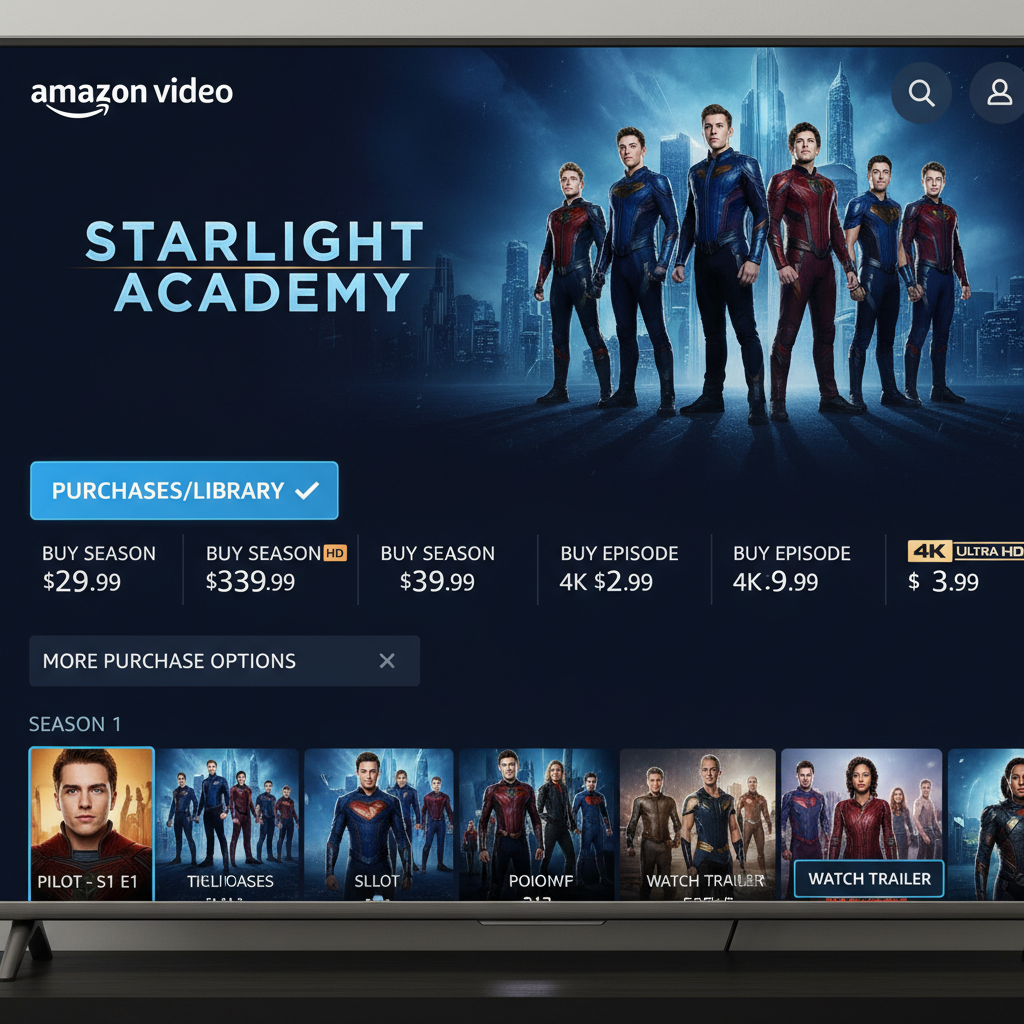
When a CW show is available to purchase, you’ll see buy or rent options right on the Prime Video detail page.
Option 2: Watching CW shows via other streaming services on Amazon
Here’s where things get a little more… CW-plot-twist.
Some CW series stream on other platforms that you can subscribe to as Prime Video Channels. That means you pay through Amazon, but you’re actually subscribing to a different service, which then lives inside your Prime Video app.
Examples of the kind of services that may carry CW shows (depending on current rights in the U.S.):
- Paramount+ – Sometimes carries certain CW-related content because of CBS/Paramount connections.
- Max or other services – Some DC shows formerly on The CW have ended up on Max or other platforms over time.
How this works in practice
- In Prime Video, go to “Channels.””
- Look for services like Paramount+, etc.
- Check what shows they currently advertise or list.
- If they carry the CW show you want, you can subscribe through Amazon.
- Catalogs change. A show that lived on one service last year may move this year.
- Not every CW show will be included, even if you subscribe to a channel.
- Some older Netflix deals for CW shows have expired or shifted, so what used to be on Netflix might now be elsewhere.
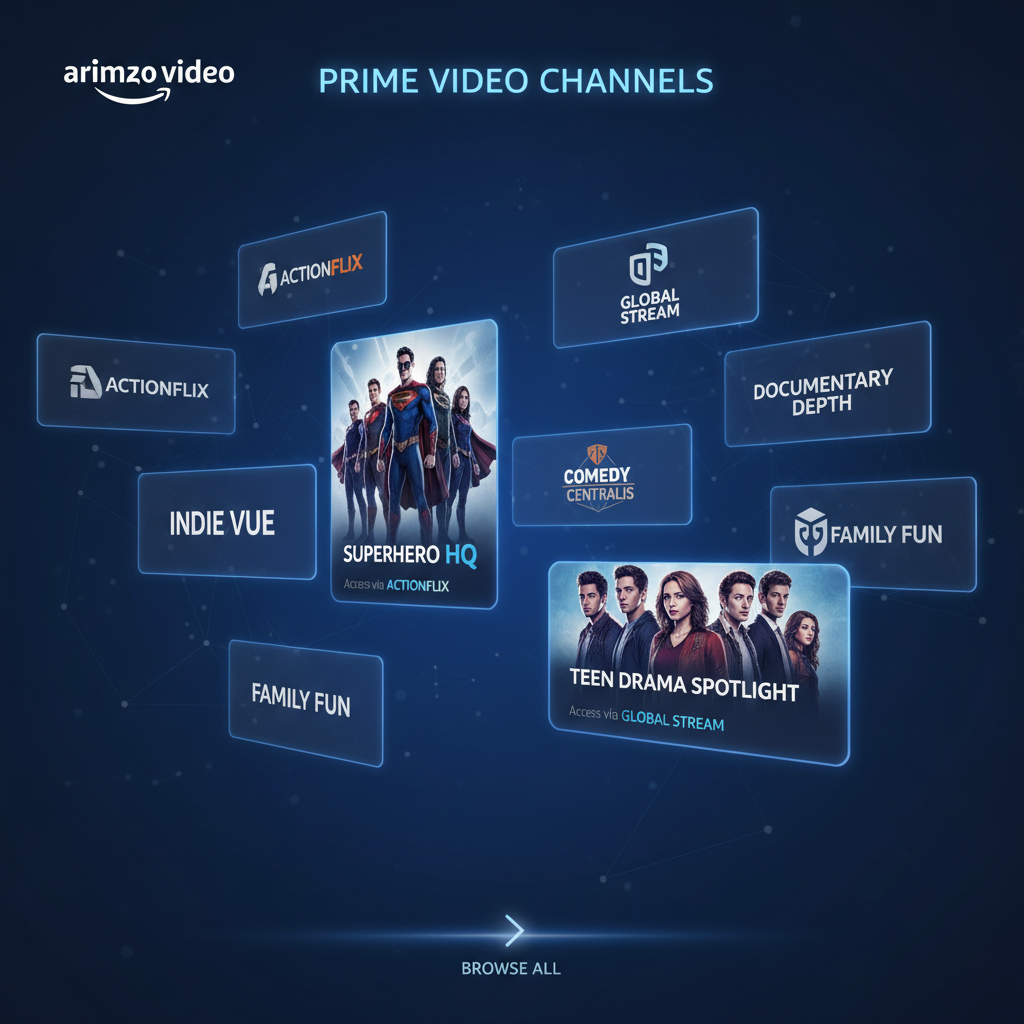
Prime Video Channels can include services that happen to carry CW shows—think of them as add-on tiles inside Amazon.
Option 3: Watching The CW for free (outside of Amazon)
If your real goal is “watch CW for free” and not necessarily “must be inside my Amazon app,” you have a couple of other options worth knowing about:
1. The CW app or website
In the U.S., The CW typically offers many of its current-season episodes free (with ads) on its own:
- CW website
- CW app (on phones, tablets, some smart TVs, streaming devices)
Usually:
- You don’t need a cable login.
- New episodes are posted after they air, but only the most recent episodes stay available at once.
2. Live TV streaming services
Live TV streamers like YouTube TV, Hulu + Live TV, or others may carry your local CW station, depending on your area.
These are separate from Amazon Prime Video, but if you really want live CW (e.g., for sports, award shows, or live premieres), live TV services might be the better route.
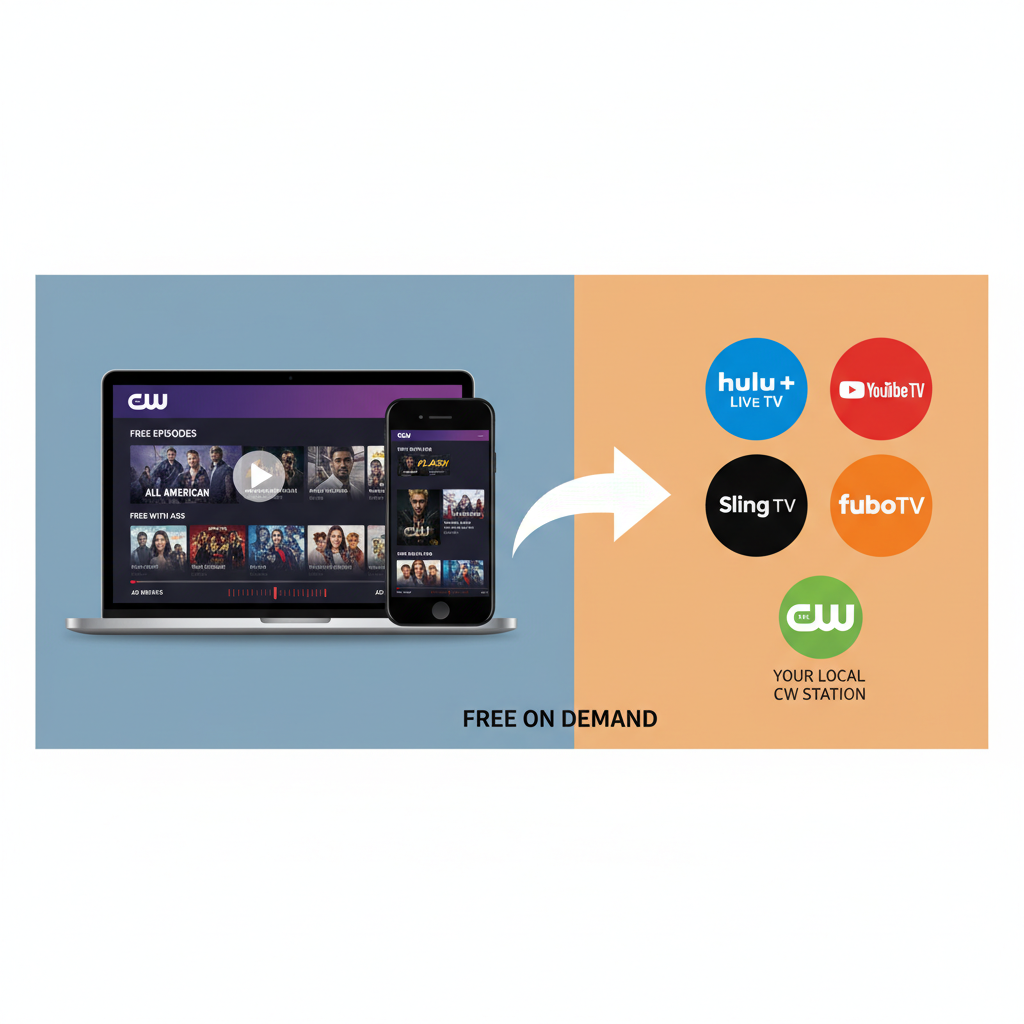
Free recent episodes on the CW app vs. paid live TV services carrying your local CW station.
Can I add The CW as a channel on Amazon Prime?
Right now, The CW does not operate as a stand‑alone “Prime Video Channel” in the way that, say, Starz or MGM+ does.
So you cannot:
- Go into Channels and hit “Subscribe to CW” directly
- Get a single subscription that unlocks all CW shows within Prime Video
What you can do is:
- Subscribe to other services through Amazon that might include CW series in their on‑demand library.
- Buy/rent CW shows individually.
How to quickly check where a CW show is streaming
Because streaming rights move around, the best move is to treat this like a quick fact‑finding mission.
Here’s a simple system:
- Pick your show.
Example: “Can I watch All American on Amazon Prime?” - Search inside Prime Video.
Type the title exactly and see if you get:- A “Watch with [Channel]” button (meaning it’s included in a subscription you can add through Amazon), or
- “Buy/Rent” options.
- If nothing useful shows up:
- Check the CW app or website to see if recent episodes are free there.
- Use a “where to watch” search (outside of Amazon) to see what service currently has full seasons.
- Decide what you care about most:
- Want full past seasons in one place? Buying on Amazon or subscribing to a specific streaming service might be best.
- Just want to stay current with new episodes? The free CW app is often enough.
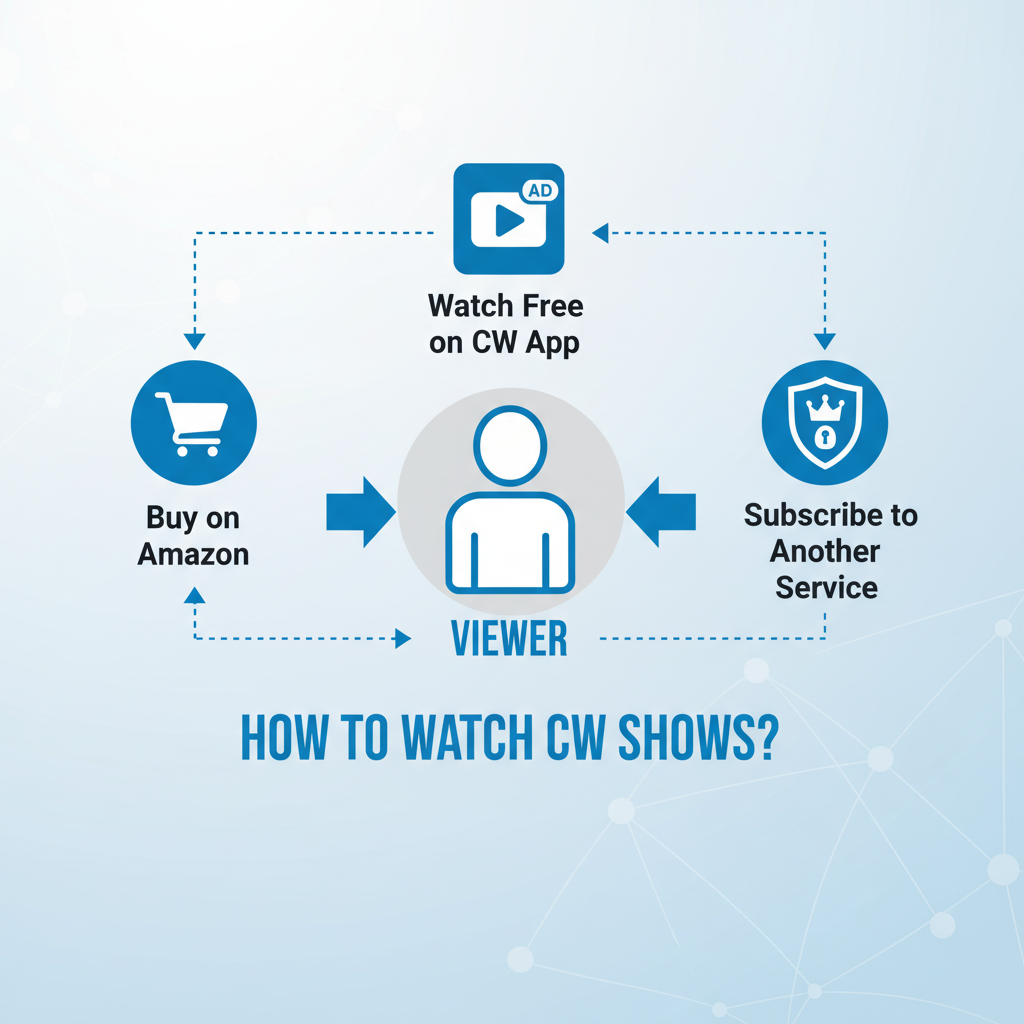
Your ideal CW setup depends on whether you want to own, stream free with ads, or bundle under a subscription.
Common scenarios (and what to do)
Scenario 1: “I just want to binge an older CW series.”
Maybe you’re finally tackling “The Vampire Diaries” or rewatching “Supernatural.”
- Step 1: Search the full show name on Amazon Prime Video.
- Step 2: If seasons are available to buy, compare the cost of buying vs. subscribing somewhere else that has all seasons.
- Step 3: If you think you’ll rewatch often, buying on Amazon can be worth it.
Scenario 2: “I missed last week’s episode from the current season.”
You’re watching something that’s still airing on The CW.
- First stop: The CW app/website – you may be able to stream the recent episode free with ads.
- If you want it ad‑free and permanent, check if that single episode is available to buy on Amazon.
Scenario 3: “I hate app‑hopping. I want everything inside Amazon.”
In that case:
- Use Prime Video Channels to see if a service that carries your CW show is available through Amazon.
- Subscribe through Amazon so you stay inside one app.
- For anything not covered, consider buying key seasons on Amazon to fill the gaps.
So… is Amazon Prime the best place to watch CW?
It depends what you want:
- Best for owning specific shows forever:
Buying CW seasons or episodes on Amazon Prime Video is a strong option. - Best for watching current episodes for free:
The CW app/website (with ads) usually wins. - Best for lots of shows under one subscription:
Sometimes a separate streaming service (which you might be able to add as a Prime Video Channel) is better.
Amazon is more of a hub and storefront than a dedicated CW home.
Think of Amazon as the hub where you mix purchases and channel add-ons to build your own CW lineup.
Final takeaway: what to do next
If you’re still wondering, “Can I watch CW on Amazon Prime?” here’s your action list:
- Open Prime Video and search the exact CW show you want.
- See if it’s available to buy/rent or through a channel subscription.
- If not, check the CW app/website for free recent episodes.
- Compare the cost/time of:
- Buying on Amazon
- Subscribing to another streaming service
- Just watching free with ads on CW
Once you know which specific show you’re chasing, the path usually becomes obvious.
Until then, think of Amazon Prime Video as your CW sidekick—not the main headquarters, but extremely handy when you know where to look.
Leave a Reply