Using Paramount Plus Through Amazon Prime
If you’ve ever opened your Amazon Prime Video app and thought, “Wait… do I have Paramount Plus or not?” you’re not alone.
Between channels, add-ons, and standalone apps, it’s easy to feel like your shows are hiding behind a paywall maze. Let’s untangle what it actually means to have Paramount Plus through Amazon Prime—and how to make the most of it.
First Things First: What Does “Paramount Plus Through Amazon Prime” Mean?
When you have Paramount Plus through Amazon Prime, it usually means:
- You subscribed to Paramount+ as a Prime Video Channel inside Amazon.
- You pay for it via your Amazon account instead of directly through Paramount.
- You mostly watch Paramount+ content inside the Prime Video app or website.
So, instead of going to ParamountPlus.com and signing up there, you added it like an extra channel in Prime Video (similar to STARZ, MGM+, or Max).

How to Check If You Actually Have Paramount Plus via Amazon
Not sure if you really subscribed or just did a free trial six months ago and forgot? Here’s how to confirm.
On a browser (desktop or mobile)
- Go to Amazon.com and log into your account.
- Hover over “Accounts & Lists” and click “Memberships & Subscriptions” or “Your Prime Video Channels” (wording can vary slightly).
- Look for Paramount+ in the list of channels.
- If you see it listed with a renewal date or monthly fee, you’re subscribed through Amazon.
Inside the Prime Video app
- Open the Prime Video app.
- Go to the “My Stuff” or “Channels” tab (depending on your device layout).
- Look under “Your Channels” for Paramount+.
If you can click Paramount+ under “Your Channels” and watch its content without hitting a paywall or trial screen, you’re in.
Where Do You Watch Paramount Plus If It’s Through Prime?
This is where people get tripped up:
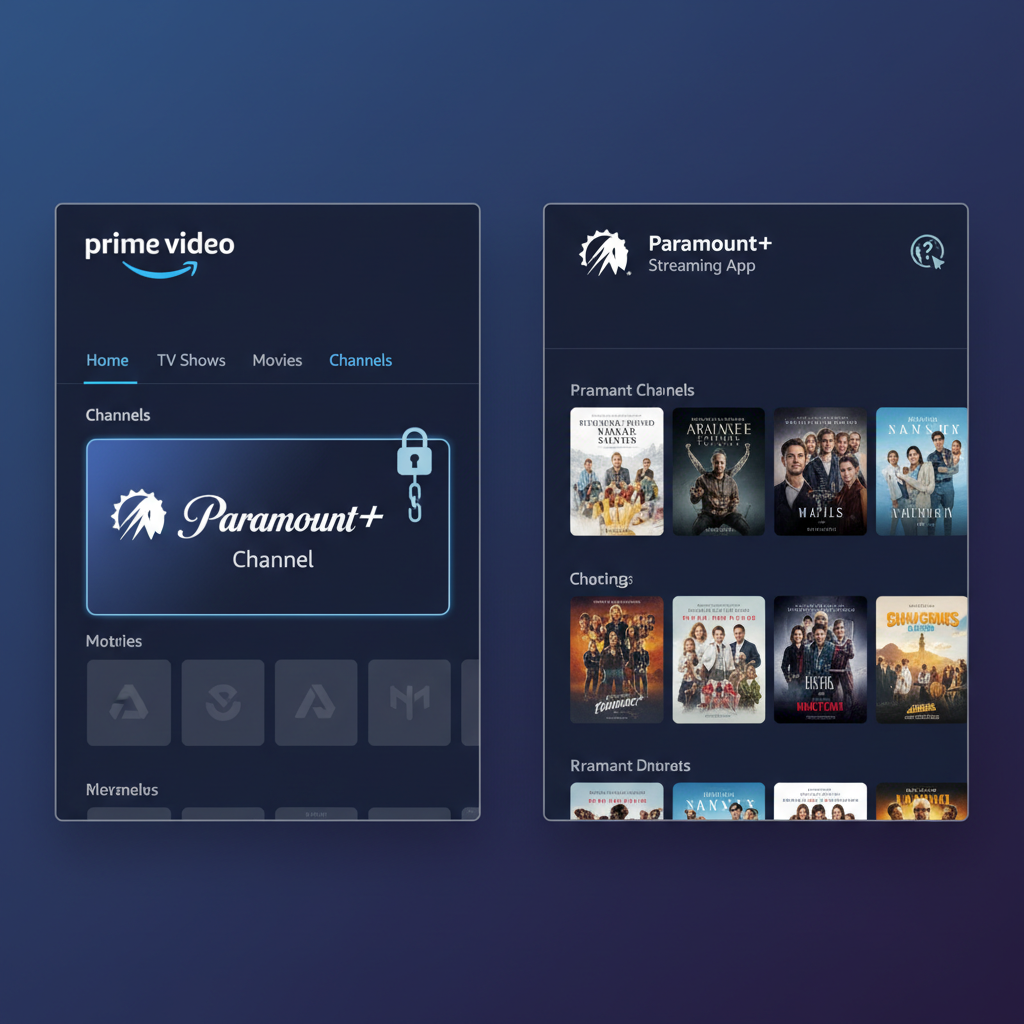
If you subscribed via Amazon, you generally watch through the Prime Video app or site.
That means:
- Watch on: Prime Video app (TV, phone, tablet, streaming device) or PrimeVideo.com.
- Find it under: “Channels” → Paramount+.
You might still be able to log into the Paramount+ app or website, but whether that works depends on how Amazon and Paramount are linking accounts at the moment in your region. Often, if you want guaranteed access via the Paramount+ app, you need to subscribe directly with Paramount+.
What Content Do You Get with Paramount Plus on Amazon?
Assuming you have the standard Paramount+ subscription level offered through Amazon in the U.S., you’ll typically get:
- Paramount+ originals (e.g., Star Trek shows, Halo, 1923/1883, etc.)
- CBS series (many past seasons and some current shows on-demand)
- Nickelodeon, MTV, Comedy Central, BET, and more library content
- Paramount movies from their catalog
Whether you get live local CBS or certain premium features (like Showtime integration) depends on the specific tier that Amazon is selling at the time and what you picked during signup.
Can You Use the Paramount+ App If You Subscribed Through Amazon?
This is the confusing part.
If you:
- Subscribed directly on ParamountPlus.com or through their app → you can use the Paramount+ app everywhere, no problem.
- Subscribed through Amazon Prime Video Channels → your login is tied to Amazon, not always directly to a standalone Paramount+ account.
Sometimes, providers allow you to create a secondary login for their own app by linking your Amazon-billed subscription. Sometimes they don’t. This behavior can change over time.
What to try if you want the Paramount+ app:
- Go to the Paramount+ website or app.
- Look for an option like “Sign in with a provider” or “Sign in with Amazon”.
- If available, choose Amazon and follow the prompts.
If that’s not supported or doesn’t work, you may be limited to watching via Prime Video only unless you:
- Cancel your Amazon-channel version.
- Re-subscribe directly through Paramount+ with a new account.
How Billing Works When You Have Paramount Plus Through Amazon
Here’s what happens behind the scenes:
- You pay Amazon, not Paramount+ directly.
- The charge shows under your Amazon account, usually listed as a Prime Video Channel (e.g., “Prime Video Channel – Paramount+”).
- It renews automatically every month (or annually, if that’s the option you chose), until you cancel.
To see or manage that billing:
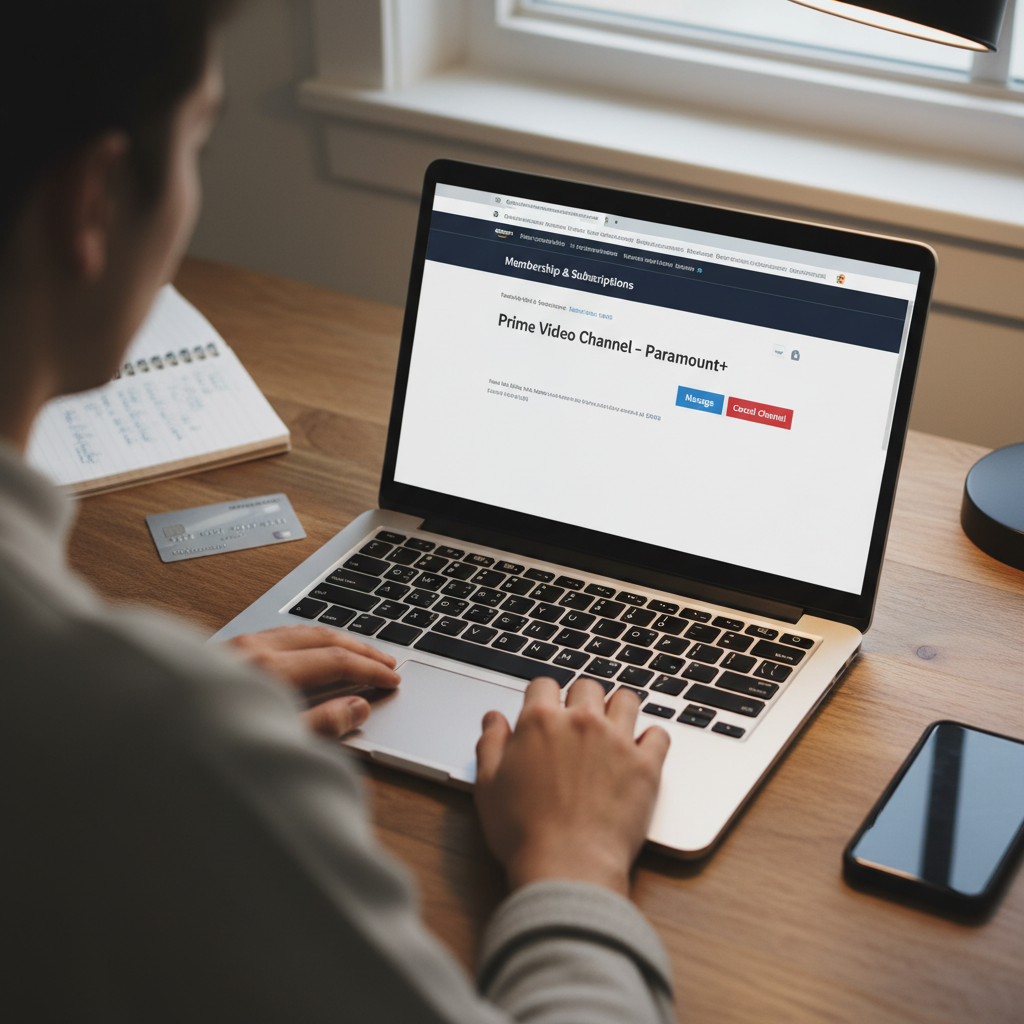
- Go to Amazon → Your Account → Memberships & Subscriptions (or “Your Prime Video Channels”).
- Look for Paramount+.
- You’ll see:
- The price you’re paying.
- The renewal date.
- A Cancel Channel or Manage Subscription button.
How to Cancel Paramount Plus If It’s Through Amazon
Maybe you only signed up to watch one show and now you’re done bingeing. Here’s how to cancel so you don’t keep getting charged.
Cancel on a web browser
- Go to Amazon.com and log in.
- Navigate to Accounts & Lists → Memberships & Subscriptions or Your Prime Video Channels.
- Find Paramount+ in the list.
- Click “Cancel Channel” or “Cancel Subscription”.
- Confirm the cancellation.
You’ll usually keep access until the end of your current billing period, even after canceling.
Cancel through Prime Video
- Open the Prime Video app or website.
- Go to “Settings” or “Channels” → “Your Channels”.
- Select Paramount+.
- Look for a Manage or Cancel Channel option—it may bounce you to Amazon’s website to finish the process.
Should You Keep Paramount Plus Through Amazon or Switch to Direct?
If you’re wondering whether to stay with the Amazon version or cancel and sign up directly with Paramount+, here are a few things to consider.
Reasons to keep it through Amazon
- One bill, one ecosystem – All streaming add-ons show up under the same Amazon account.
- Simple access – You mostly watch through the Prime Video app anyway.
- Easy free trials – Amazon often offers short trials on channels, and you can set a reminder to cancel.
Reasons to go direct with Paramount+
- Better app features – Sometimes the official Paramount+ app gets new features, profiles, or updates faster than the channel experience inside Prime Video.
- Promos and bundles – Paramount+ occasionally runs its own deals, bundles, or special tiers that might not exist via Amazon.
- More flexible login – A direct Paramount+ account is easier to use across devices, logins, and with features like profiles or kids’ settings.
A smart approach:
- If you want simplicity: stay with Amazon.
- If you want maximum control and app features: consider canceling via Amazon and re-subscribing directly through Paramount+ after your billing cycle ends.
Common Questions About Paramount Plus on Amazon
1. Do I get Paramount Plus free with Amazon Prime?
No. Prime membership doesn’t include Paramount+ for free.
You can:
- Use the Prime Video app for free with your Prime membership.
- But Paramount+ is a separate paid add-on (sometimes with a free trial, then a monthly fee).
2. Can I share my Paramount+ (through Amazon) with family?
You can share your Amazon account or use Amazon Household, but options like multiple concurrent streams and profiles are controlled by how the channel is integrated.
If you share your Amazon login, they can likely watch Paramount+ via Prime Video on their devices—just keep in mind this also gives them access to your Amazon shopping account, payment methods, etc.
3. Why can’t I log into ParamountPlus.com with my Amazon email?
Because your subscription and login live with Amazon, not directly with Paramount+.
Unless Paramount offers a way to link your Amazon-billed subscription to a standalone Paramount+ login, you may not be able to use the official Paramount+ app/website with that same subscription.
4. I canceled Paramount+ on Amazon but I’m still seeing charges.
Double-check that:
- You canceled the correct Amazon account (if you have more than one).
- The next charge might have been already pending if it was close to your renewal date.
- You’re not also subscribed directly to Paramount+ elsewhere (e.g., through a smart TV or mobile app).
If it looks wrong, contact Amazon customer support and ask them to review your Prime Video Channels.
How to Make the Most of Paramount Plus Through Amazon
Once you’ve confirmed your setup, here’s how to squeeze more value out of it:
- Build a watchlist inside Prime Video
Add Paramount+ shows and movies to your Prime Video watchlist so you don’t forget what you signed up for. - Use profiles and parental controls (if available)
Depending on your device and Prime Video settings, you can set up profiles or viewing restrictions. - Check regularly for new series & movies
Paramount+ rotates in fresh originals and movies—don’t just watch one flagship show and forget about it. - Set a reminder before your renewal date
If you only subscribed for a specific show, put a reminder in your phone a few days before the renewal date. Decide then whether to keep or cancel.
Quick Recap
- “Paramount Plus through Amazon Prime” means you added Paramount+ as a Prime Video Channel.
- You watch its content mainly via the Prime Video app or website.
- Billing and cancellation go through Amazon, not Paramount.
- You usually don’t get it free with Prime; it’s a separate paid add-on.
- If you want more direct control or app features, consider switching to a direct Paramount+ subscription after canceling the Amazon-channel version.
If you’re staring at your TV wondering where your show went, start by checking: Amazon → Your Account → Memberships & Subscriptions / Prime Video Channels. That screen will tell you instantly whether you really have Paramount Plus through Amazon Prime—or if it’s time for a free trial (again).
Leave a Reply