Amazon Helios: The Cloud Database You Didn’t See Coming
If you thought the cloud database world was already crowded, surprise: there’s a new name popping up in AWS conversations — SingleStore Helios, often (loosely) referred to as Amazon Helios because it’s sold and deployed through AWS Marketplace.
So what is Amazon/SingleStore Helios, why are data and AI teams talking about it, and does it actually solve real problems or just give you another buzzword to add to your LinkedIn?
Let’s unpack it.
What is “Amazon Helios” (aka SingleStore Helios)?
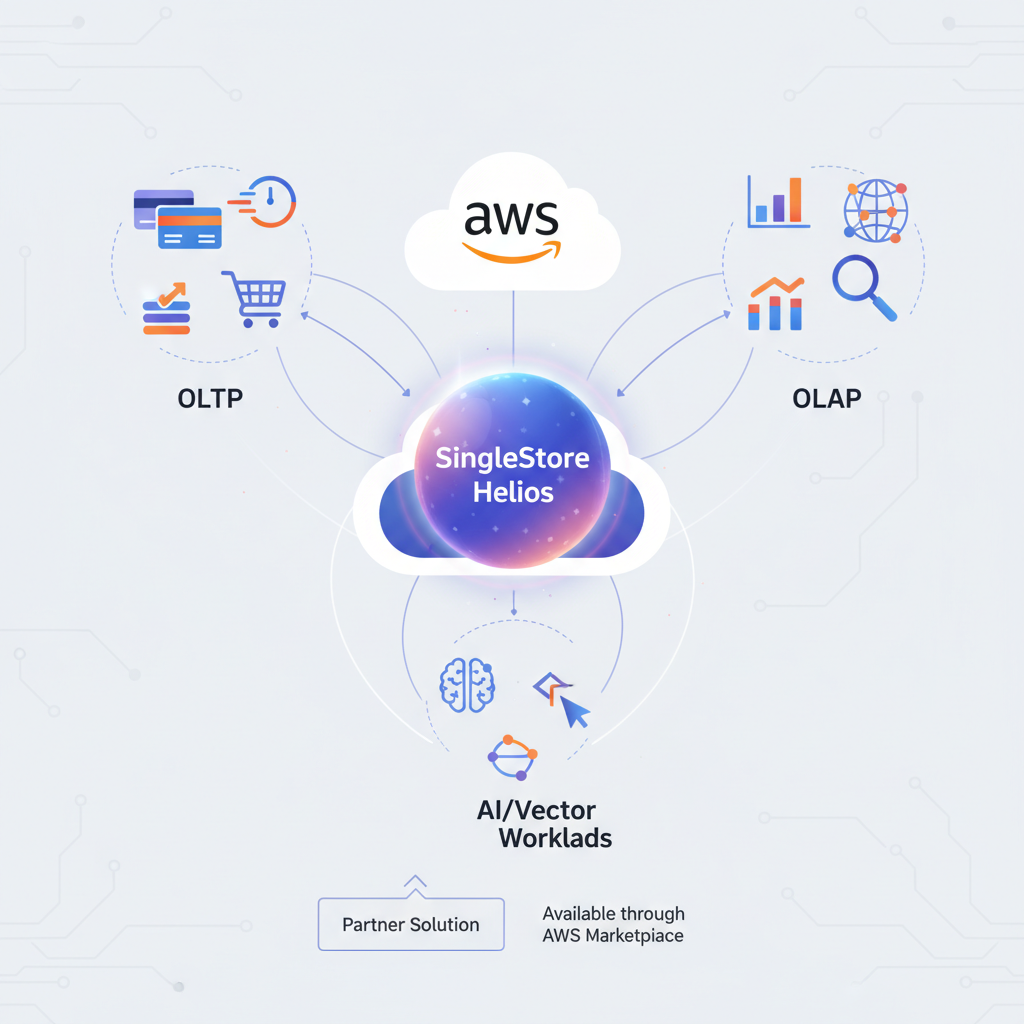
Strictly speaking, Amazon doesn’t have an official product called “Amazon Helios.” What people usually mean is SingleStore Helios running on AWS, which you can subscribe to via AWS Marketplace.
According to SingleStore’s listing on AWS Marketplace, SingleStore Helios is a fully managed, distributed SQL database-as-a-service (DBaaS) built to power:
- High-throughput transactional workloads (OLTP)
- Analytical workloads (OLAP) on large data volumes
- Vector search and GenAI workloads
— all in the same engine, without constantly shuffling data to different systems. (aws.amazon.com)
If you’ve ever had to glue together a transactional database, an analytics warehouse, a search engine, and now a vector database for AI… you can see why this “one engine to rule them all” idea is attractive.
Quick definition:
“Amazon Helios” = SingleStore Helios, a fully managed, cloud-native database service you run on AWS via AWS Marketplace, combining OLTP, OLAP, and AI/vector workloads in one place.
Why are people interested in Helios on AWS?
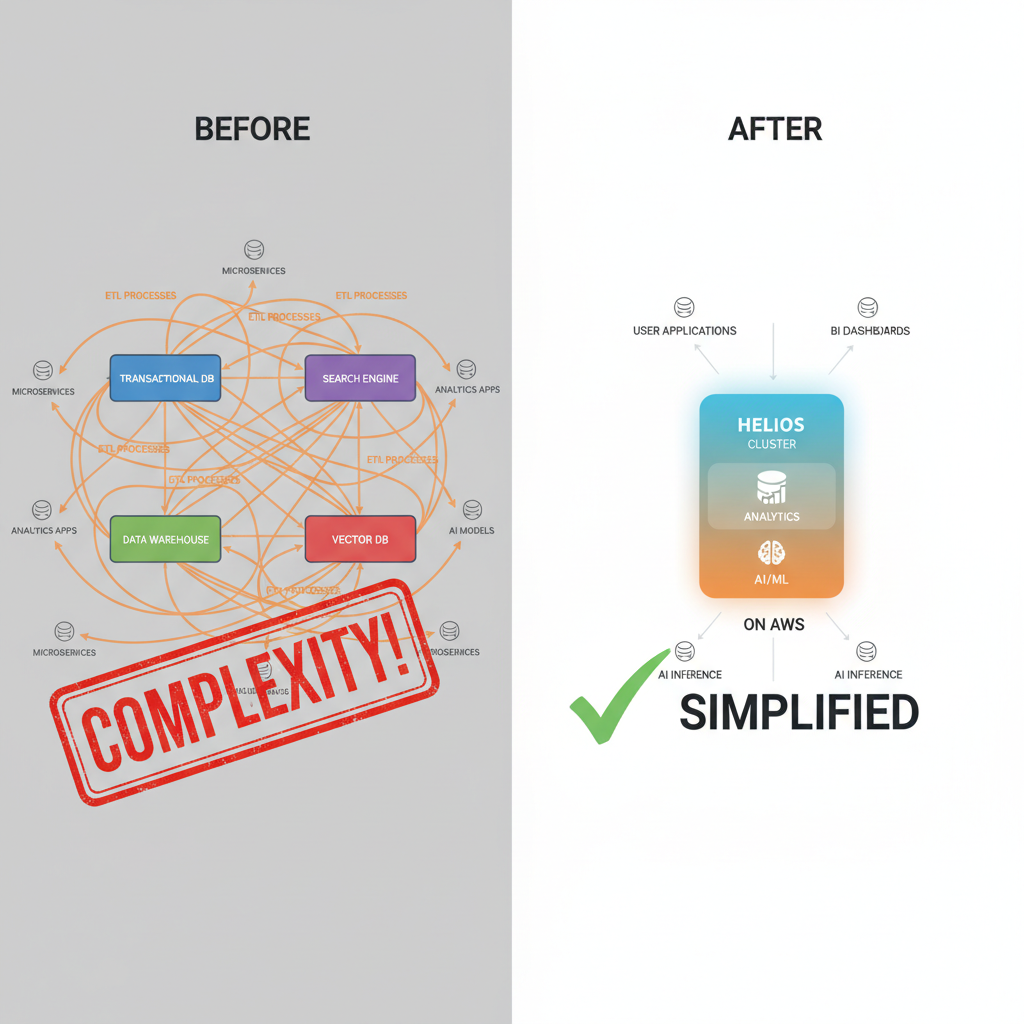
Modern apps are messy. A single product might need:
- Real-time dashboards and analytics
- Fast user-facing queries
- Event streaming ingestion
- AI features like recommendations, semantic search, or RAG
Traditionally, you’d chain together:
- A transactional DB (e.g., MySQL/Postgres)
- A data warehouse (e.g., Snowflake, BigQuery, Redshift)
- A search system (e.g., Elasticsearch, OpenSearch)
- A vector database for AI
That means multiple systems to operate, sync, secure, and pay for.
According to SingleStore’s AWS Marketplace overview, Helios aims to collapse all of that into one distributed SQL engine, with:
- Ultra-fast ingestion (millions of events per second)
- Blazing-fast queries on billions of rows
- Vector capabilities built in for AI/GenAI features
- JSON and full‑text support, so it can feel a bit like a hybrid of warehouse + NoSQL + vector DB. (aws.amazon.com)
Key features of SingleStore Helios on AWS
Let’s break down the major selling points, in plain English.
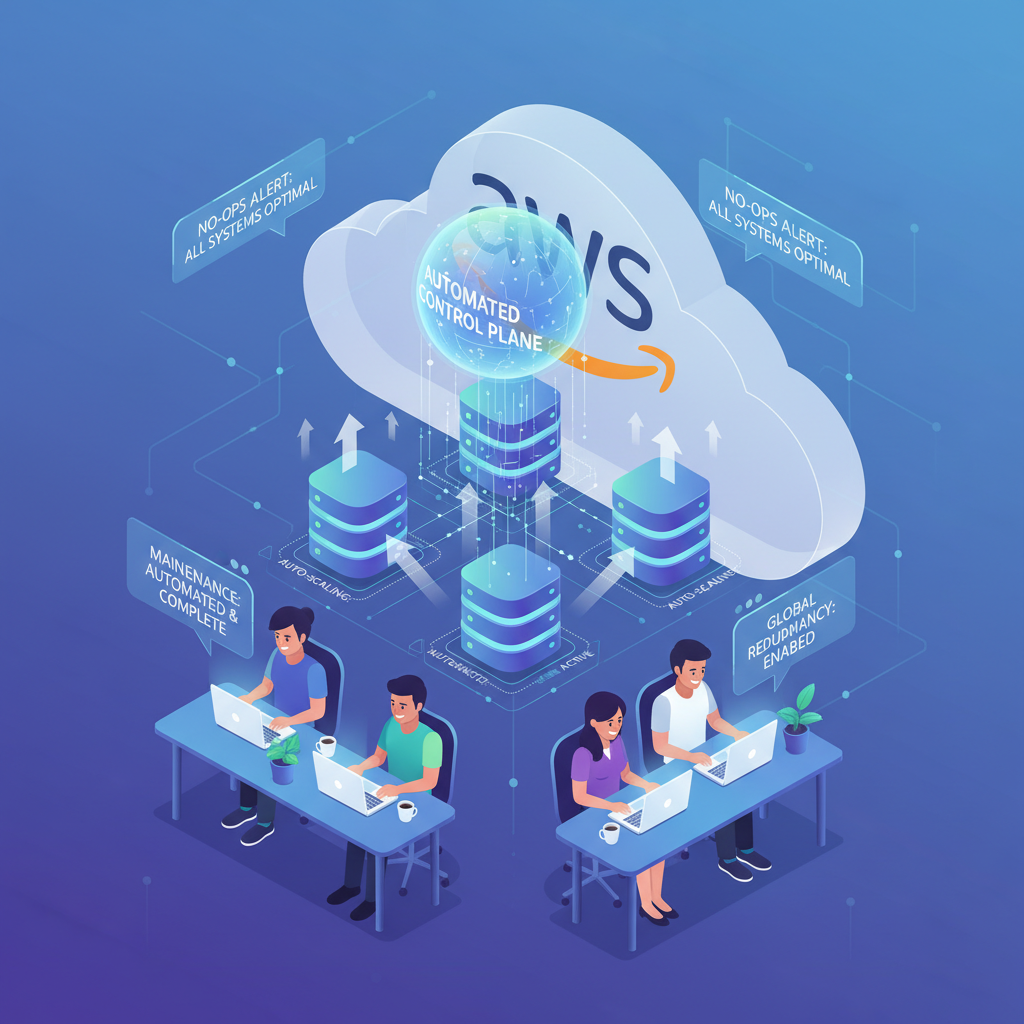
1. Fully managed, cloud-native DBaaS
Helios is delivered as a managed service. You don’t handle:
- Cluster setup
- Patching
- Upgrades
- Low-level scaling mechanics
You deploy via AWS Marketplace, choose regions and configurations, and let the service handle the underlying orchestration. (aws.amazon.com)
Why it matters: Less “SSH into a box at 2 a.m.,” more “we scaled up for the traffic spike automatically.”
2. One engine for OLTP, OLAP, and AI workloads
SingleStore Helios is designed as a distributed SQL database that can:
- Handle high-concurrency transactional workloads
- Run analytic queries on large datasets (billions of rows)
- Support vector search for GenAI (e.g., semantic search, RAG)
Instead of ETL’ing data from your transactional store to a warehouse and then to a vector DB, you can keep it all in Helios and query it directly.
The AWS Marketplace description explicitly calls out support for OLTP, OLAP, and vector capabilities in a single engine without data movement. (aws.amazon.com)
Why it matters: Less data movement = lower latency, simpler architecture, and fewer sync bugs.
3. Real-time ingestion and analytics
According to customer feedback highlighted on AWS Marketplace, users report:
- Ingesting massive change events (e.g., from Kafka) within 3–5 seconds of updates in their primary apps
- Query response times that are fast enough for customer-facing dashboards and highly concurrent environments. (aws.amazon.com)
The platform supports:
- Pipelines for ingesting events and streaming data
- Zero-ETL analytics on JSON and structured data
Why it matters: If you’re building something like a real-time analytics dashboard, fraud detection system, or usage-based billing engine, these latency numbers really matter.
4. Elastic scalability
Helios supports both horizontal and vertical scaling, with configurable clusters to match workload demand. (aws.amazon.com)
In practice, that means you can:
- Scale out to handle more concurrent queries/users
- Scale storage and compute as your data grows
- Adjust cluster sizes instead of re-architecting everything
Why it matters: You don’t want to replatform just because you went from 1,000 to 100,000 users.
5. Multi‑model & developer-friendly data features
From the AWS Marketplace listing, Helios supports: (aws.amazon.com)
- SQL as the primary interface
- JSON documents with fast JSON-native analytics
- Key‑value, full-text search, and vector search
That makes it possible to:
- Store semi-structured data without bolting on a separate NoSQL system
- Build search and AI features without bolting on a separate search/vector engine
Why it matters: Your developers can move faster, and your architecture diagram finally fits on one slide.
6. Security and compliance
SingleStore Helios on AWS advertises compliance with major standards such as:
- HIPAA
- GDPR
- ISO 27001
- PCI DSS
along with features like encryption in transit and at rest and role-based access control (RBAC). (aws.amazon.com)
Why it matters: If you’re in regulated industries (healthcare, fintech, enterprise SaaS), these boxes need to be checked before procurement will even read your deck.

Example use cases for Helios on AWS
Let’s make this less abstract.
1. Real-time SaaS analytics platform
Scenario: You’re building a B2B SaaS app that shows:
- Real-time product usage
- Feature adoption trends
- Per-tenant dashboards
With Helios, you could:
- Stream events from your app or Kafka into Helios Pipelines
- Store raw and aggregated metrics in the same database
- Serve dashboards directly from Helios using fast SQL + JSON analytics
Less ETL glue, fewer moving parts than “Postgres + Snowflake + Redis + vector DB”.
2. AI-powered search and recommendations
Scenario: You’re adding AI features like:
- Semantic search across documents or knowledge bases
- Personalized recommendations
- RAG pipelines for LLM-powered chat
Helios’s vector search means you can:
- Store embeddings, metadata, and transactional data together
- Run hybrid queries like: “find similar items but filter by user, geography, or business rules”
- Avoid exporting embeddings to a totally separate vector engine
Simpler architecture, better consistency between transactional and AI views of your data.
3. Multi-tenant, high-scale SaaS backend
Some reviewers explicitly call out using SingleStore for multi-tenant SaaS architectures, citing its scalability and performance under thousands of concurrent users. (aws.amazon.com)
You might use Helios as the backbone for:
- A heavily multi-tenant analytics product
- A fintech platform with real-time balances and risk checks
- A logistics or IoT platform ingesting huge event streams
One core data platform instead of a patchwork of specialized stores.

Pros and cons: Is Helios on AWS worth it?
Let’s be honest: no database is perfect. Here’s the tradeoff landscape.
Potential advantages
- Unified stack: OLTP + OLAP + vector search in one place
- Performance: Designed for high-throughput ingestion and low-latency queries at scale
- Developer productivity: SQL-first model, with JSON, full-text, and vectors
- Real-time analytics: Strong fit for dashboards and event-driven workloads
- Managed service on AWS: Less ops overhead, integrates into existing AWS usage and billing flows
Potential drawbacks
Based on reviews and positioning:
- Learning curve: Some users note it’s not beginner-friendly for early-stage developers, especially in the AI era where there’s already a lot to learn. (aws.amazon.com)
- Vendor lock-in at the data layer: As with any proprietary distributed database, migrating away later can be non-trivial.
- Cost modeling: Powerful, highly scalable systems can become expensive if you don’t actively manage usage and cluster sizes.
Who it’s best for:
- Teams building real-time, data-intensive applications
- SaaS products needing multi-tenant analytics + AI features
- Companies that are already deep into AWS and like buying through AWS Marketplace

How to decide if “Amazon Helios” belongs in your stack
Ask yourself a few practical questions:
-
Do you actually need real-time?
If daily batch reports are fine, a plain warehouse might be cheaper and simpler. -
Are you juggling multiple data systems already?
If you’re maintaining a transactional DB + warehouse + search + vector store, consolidating could simplify life. -
Will you build AI or GenAI features soon?
If yes, having vectors + SQL + filters in one engine is a strategic advantage. -
Is your team ready for a more advanced distributed system?
If your current team struggles with basic relational DB concepts, there may be a learning curve.
Getting started on AWS
If you’ve made it this far and you’re thinking, “Okay, I at least want to try this thing,” the high-level path looks like this:
-
Find SingleStore Helios in AWS Marketplace.
You’ll see an overview, pricing model, and supported regions. -
Choose a deployment configuration.
Start with a smaller cluster for dev/test. -
Connect your data sources.
Use Pipelines to bring in events or replicate from existing databases. -
Test real workloads.
Build a few representative queries (dashboards, customer-facing APIs, AI features) and monitor latency and cost. -
Evaluate long-term fit.
Compare performance + complexity against your current multi-system setup.
Final thoughts: So, what is Amazon Helios really?
In one sentence:
“Amazon Helios” is shorthand many people use for running SingleStore Helios — a high-performance, multi-model, AI-ready SQL database-as-a-service — on AWS via the AWS Marketplace.
If your world is:
- Real-time analytics
- High-concurrency SaaS
- AI-enhanced features
then Helios on AWS is worth a serious look. If you’re mostly doing batch reporting and simple CRUD apps, it might be more power (and complexity) than you need.
Either way, at least now, when someone in a meeting says, “We should look at Helios on Amazon,” you won’t have to quietly Google it under the table.
Leave a Reply