What To Do If Your Amazon Package Is Stolen (Step‑By‑Step Guide)
Stay calm, stay organized, and turn that “Delivered” notification with no box in sight into a refund, replacement, and a theft‑proof future.
You get the “Your package was delivered” email.
You open the door.
No box. No bubble mailer. Just vibes.
If your Amazon package was stolen (or you think it was), you do have options — and if you move quickly and stay organized,
you can usually get your money back or a replacement without turning into a full-time detective.
This guide walks you through exactly what to do, who to contact, and how to protect yourself from future porch pirates.
First: Make Sure It’s Actually Missing
Before you go full CSI on your front doorstep, rule out the boring stuff.
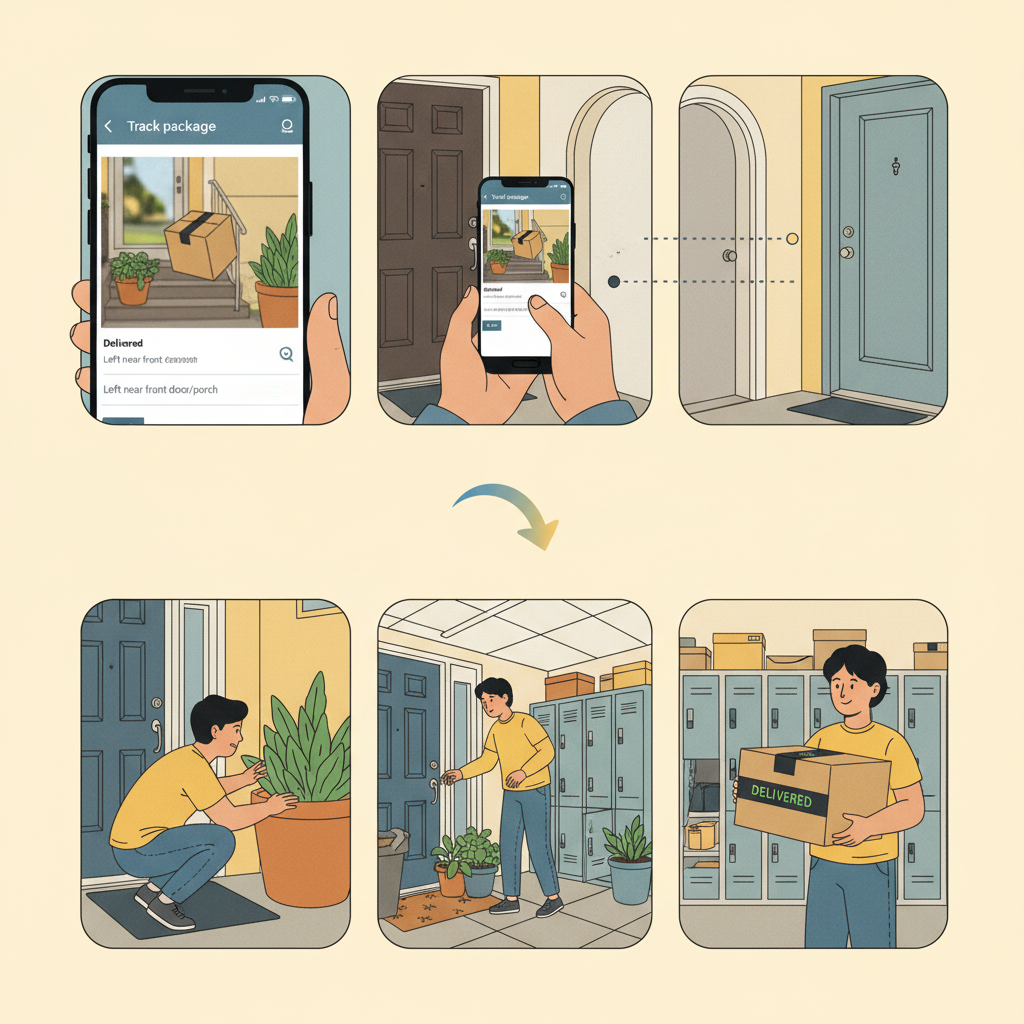
1. Check the delivery details
Open your Amazon app or account:
- Go to Your Orders → find the item
- Tap Track package
Look for:
- Delivery status: Does it say “Delivered,” “Handed directly to resident,” or something else?
- Time and date of delivery
- Delivery notes: Sometimes drivers leave comments like “left at side door” or “front office.”
- Photo of delivery: Many Amazon deliveries now include a photo of where the package was left.
Takeaway: Sometimes the package is there — just not where you expected.
2. Look around (and ask around)
Do a quick sweep:
- Check all doors: front, side, back, garage.
- Look behind planters, columns, fences, or furniture.
- If you live in an apartment or condo:
- Check the package room, mailroom, lobby, or leasing office.
- Look at any package lockers (Amazon Hub, Luxer, Parcel Pending, etc.).
Then ask:
- Roommates, family members, or neighbors: Did anyone bring it inside?
- Building staff: Did they move it to a secure spot?
Mini example:
“You see ‘Delivered – front door.’ After mild panic, you check your side gate and find the box sitting safely by your trash cans.
Not stolen. Just… creatively delivered.”
Takeaway: Confirm it’s truly missing before you report a stolen Amazon package. It’ll save you time and awkward follow-up emails later.
Step 2: Wait a Little (But Not Too Long)
Sometimes packages show as “Delivered” before they actually arrive.
What you can do:
- Wait 24 hours after the first “Delivered” scan.
- During that window, keep checking your doorstep and shared mail areas.
If it shows as delivered for more than a day and still hasn’t appeared, it’s time to treat it like a likely lost or stolen Amazon package.
Takeaway: A short delay is normal. A full day with no sign of the box? Time to act.
Step 3: Document Everything (This Helps With Refunds)
When you start contacting Amazon or the carrier, details = power.
Collect:
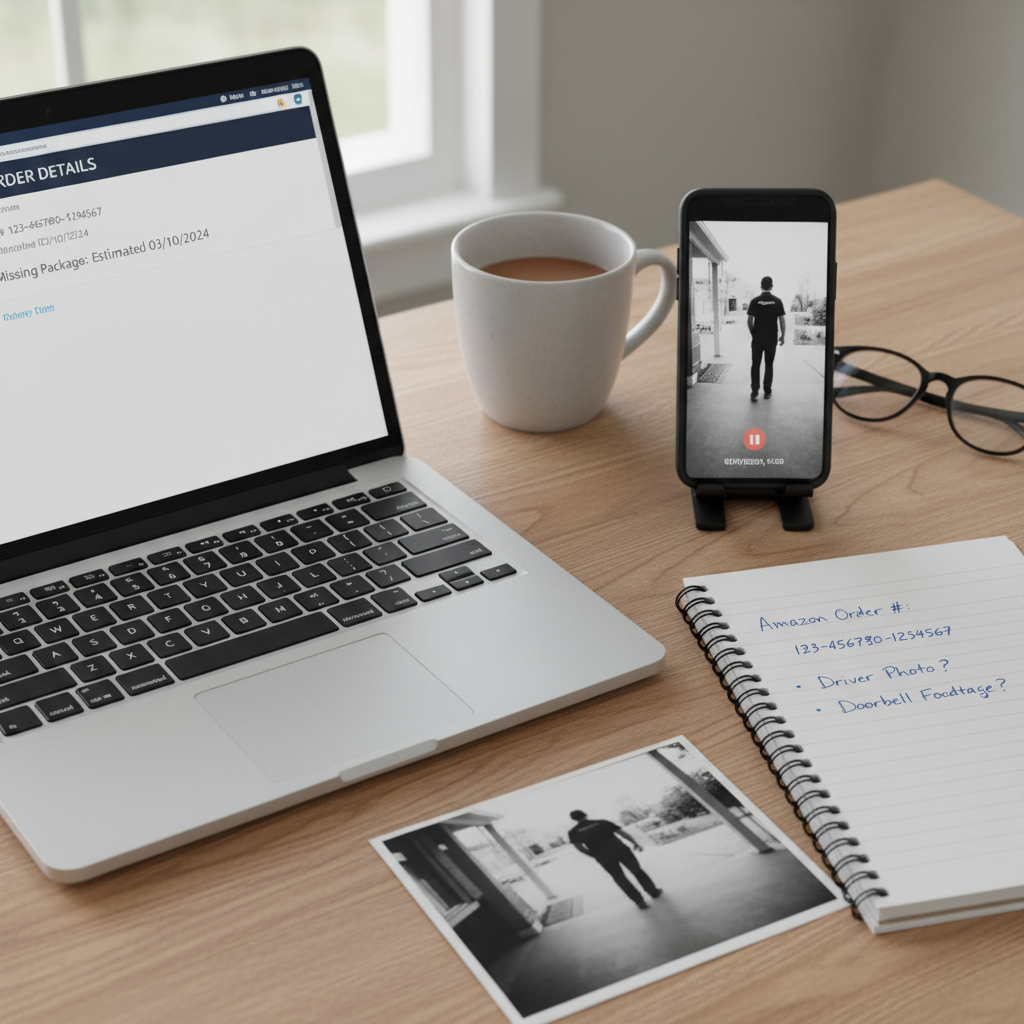
- Order number
- Item name and price
- Date and time marked as delivered
- Delivery photo, if there is one
- Your address (make sure it’s correct in your account)
- Any security camera footage or doorbell cam clips
- Any messages from building staff or neighbors about the package
If you have video that clearly shows no package was delivered or shows someone stealing your Amazon package,
that can be very helpful if things get complicated (especially for high-value items).
Takeaway: Treat this like a mini incident report. It makes everything that comes next faster and smoother.
Step 4: Contact Amazon About the Missing / Stolen Package
Now to the part that actually gets you a replacement or refund.
How to report a missing Amazon package
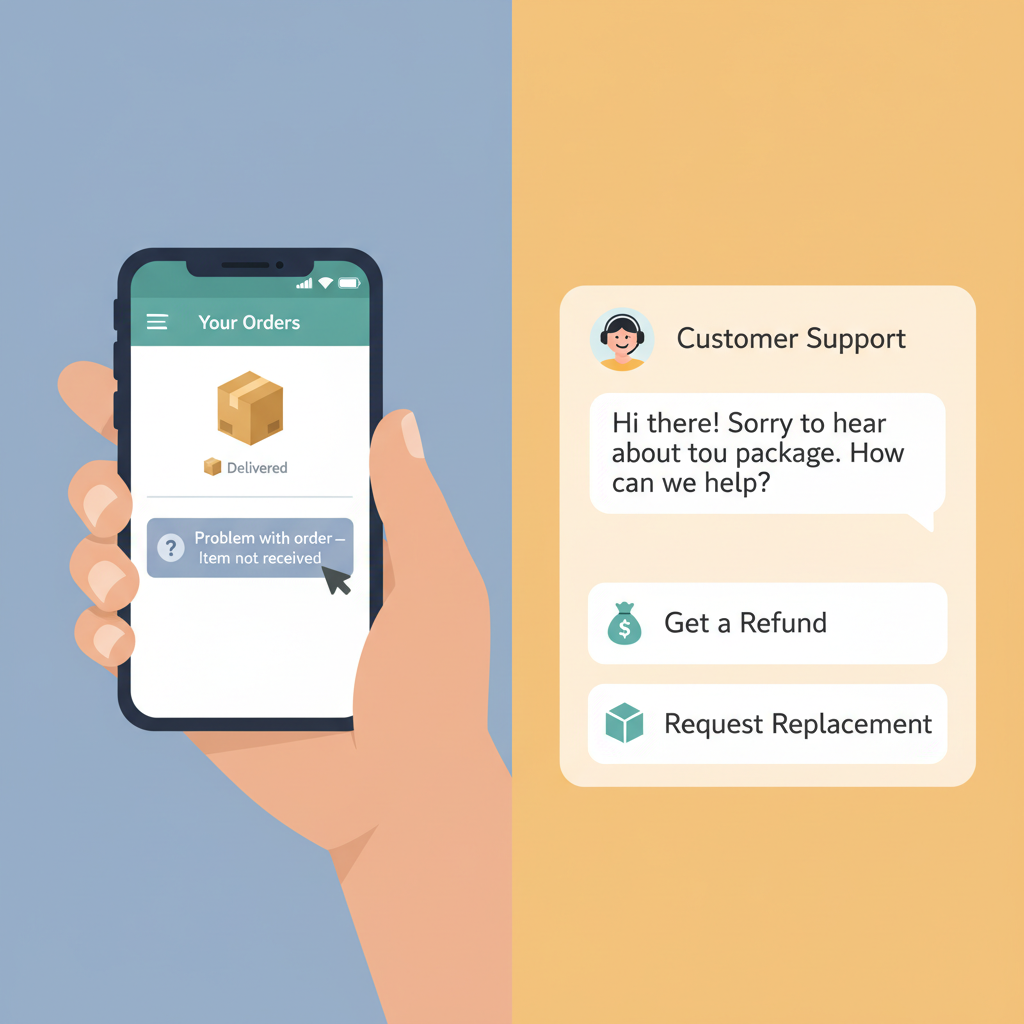
- Go to Your Orders in the Amazon app or on the website.
- Find the order → click/tap Problem with order.
- Choose something like “Item not received” or “Order shows delivered but not received.”
- Follow the prompts to contact Amazon Customer Service.
Depending on the order and seller, Amazon may:
- Offer a replacement
- Offer a refund
- Ask a couple of verification questions
For orders shipped by Amazon (“Fulfilled by Amazon”), they’re usually pretty responsive and often handle missing package claims directly.
If it’s a third-party seller
If the order was sold and shipped by a third-party seller:
- Use “Problem with order” → “Contact seller.”
- Briefly explain that the package shows as delivered but was not received.
- Give them:
- Order number
- Date/time of supposed delivery
- Confirmation you checked around and with neighbors
If the seller isn’t helpful or doesn’t respond within a couple of days, you may be able to file an A-to‑Z Guarantee claim through Amazon,
which is designed to protect you when buying from third-party sellers.
Pro tip: Be clear but calm in your message. Think:
“Hi, tracking shows delivered on X date, but the package never arrived. I’ve checked with neighbors and around my property.
Can you please assist with a replacement or refund?”
Takeaway: Start with Amazon’s built-in tools. For most typical stolen Amazon package scenarios, this alone gets you a resolution.
Step 5: Decide Whether to Contact the Carrier
Sometimes Amazon will handle everything; other times they may tell you to reach out to the carrier (like USPS, UPS, or FedEx)
especially if it wasn’t fulfilled by Amazon.
Should you contact USPS, UPS, FedEx, or Amazon Logistics?
You can contact the carrier and:
- Confirm where the package was scanned as delivered
- Ask if there were delivery notes
- Open a missing mail or lost package claim, depending on the carrier
But in many Amazon orders, especially those fulfilled by Amazon, Amazon is still your main point of contact.
They have their own internal process with carriers.
When it’s worth contacting the carrier:
- The package was high-value (electronics, jewelry, etc.)
- You have security footage showing no delivery at the time they claim
- Amazon specifically instructs you to file with the carrier
Takeaway: Amazon first, carrier second. Don’t spend hours on hold unless it’s a big-ticket item or Amazon directs you there.
Step 6: For Confirmed Theft, Consider Filing a Police Report
If you’re confident your Amazon package was stolen — not just misdelivered — you can take it a step further.
Situations where it might make sense:
- The item was expensive (e.g., laptop, phone, luxury goods)
- You have clear video of someone stealing the package
- There have been repeated thefts in your neighborhood or building
How to do it:
- Contact your local police department’s non‑emergency line or online reporting system, if available.
- Provide:
- Order details and approximate value
- Date/time of theft
- Any video or photos
- Any pattern of prior thefts
Don’t expect a detective to be assigned for a $20 phone case, but having a report:
- Creates an official record (useful for insurance claims)
- Helps law enforcement track patterns of porch thefts in your area
Takeaway: For big losses or repeat problems, a police report isn’t overkill — it’s documentation.
Step 7: Check If Your Credit Card or Insurance Covers Stolen Packages
You may have more protection than you realize.
1. Credit card purchase protections
Many major credit cards offer some kind of purchase protection or theft coverage for items bought with the card,
up to a certain limit and time window.
Look in your card benefits for terms like:
- “Purchase Protection”
- “Theft or damage within 90 days of purchase”
If covered, you might be eligible for reimbursement if:
- The item was stolen after delivery
- Amazon and the seller won’t refund or replace
You’ll usually need:
- Your receipt or order confirmation
- Proof of non-delivery or theft (sometimes including a police report)
2. Renters or homeowners insurance
If the stolen Amazon package was pricey, your renters or homeowners insurance might cover it under personal property,
especially if there’s a clear theft.
Caveats:
- There’s often a deductible, so it only makes sense for higher-value losses.
- Frequent small claims can impact your premiums.
Takeaway: For big-ticket items, check your card benefits and insurance. They’re a useful last line of defense when Amazon or the seller can’t help.
Step 8: How to Prevent Amazon Package Theft Next Time
Once you’ve dealt with one stolen package, you never want to repeat the experience. A few adjustments can massively reduce the odds.
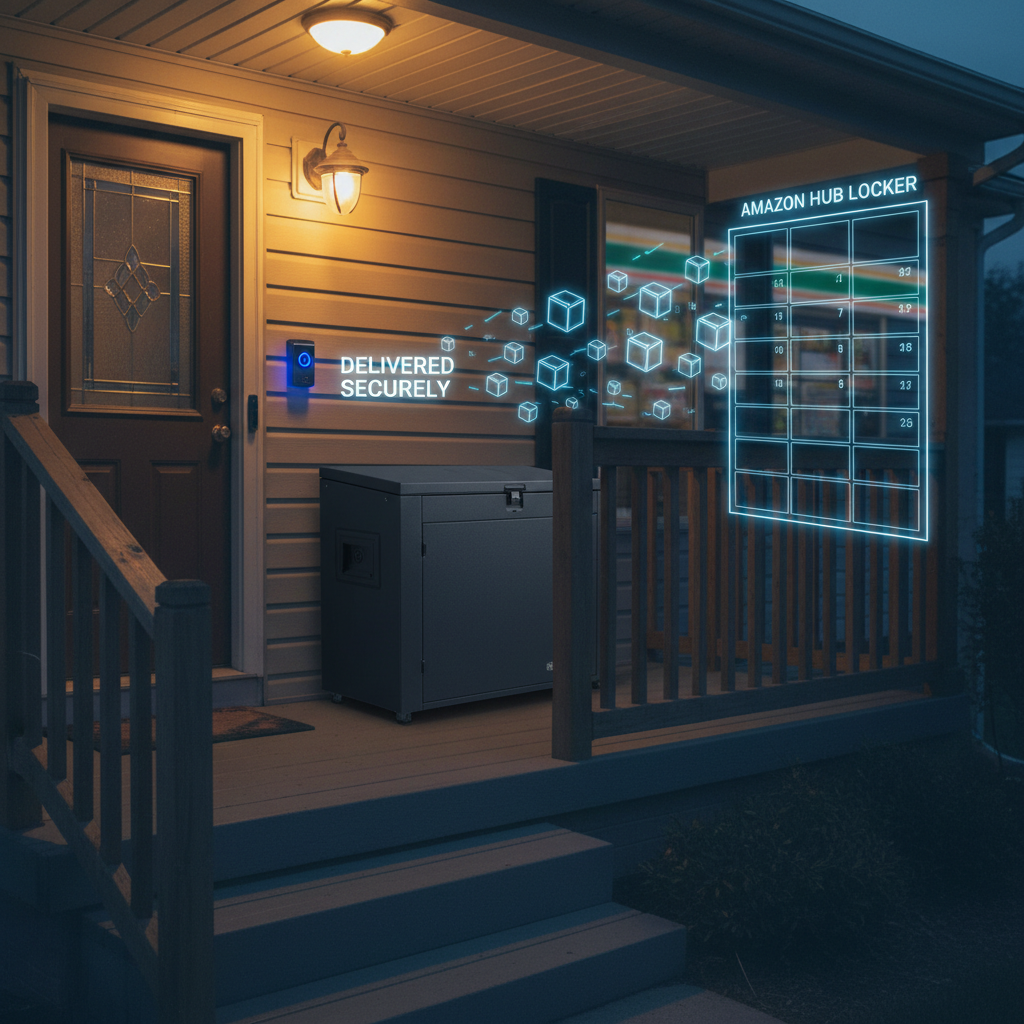
1. Use Amazon Hub Lockers or secure pickup locations
Amazon offers Hub Lockers and Counter pickup locations at:
- Convenience stores
- Grocery stores
- Pharmacies
- Other partner locations
Instead of your doorstep, your package goes to a secure locker. You get a code and pick it up at your convenience.
Best for:
- High-value items
- If you’re not home during the day
- If your porch is too visible from the street
2. Add delivery instructions
In your Amazon address settings, you can often:
- Add delivery instructions (e.g., “Leave behind plant,” “Leave at side door,” “Deliver to apartment office”).
- Specify a gate code or call box details.
Less obvious = less tempting for porch pirates.
3. Use delivery alerts and be ready to grab packages quickly
Turn on all the notifications:
- Amazon delivery notifications (email, app, or SMS)
- Any alerts from carriers like UPS or USPS if available
The faster you know a package is on your porch, the less time it sits outside.
4. Consider a secure package box or lockbox
If porch theft is common in your area, a lockable parcel box or package drop box can be worth it.
- Some are simple lockboxes with a code you give to delivery drivers.
- Others are built as secure drop slots on your porch.
5. Security cameras and signs
A visible doorbell camera or security camera, plus a simple sign indicating surveillance, can:
- Deter casual thieves
- Provide evidence if something does get taken
It won’t stop everyone, but it turns your porch from “easy target” to “high effort.”
Takeaway: You can’t control every delivery driver or thief, but you can make your doorstep a much harder place to steal from.
Example Scenarios: What This Looks Like in Real Life
Scenario 1: The misdelivered-but-found package
- Tracking: “Delivered – front door” yesterday, 3:14 PM
- You: No package anywhere
Actions:
- Check side yard → nothing
- Ask neighbor → they have a package with your name accidentally delivered to them
- Problem solved, no Amazon contact needed
Scenario 2: Confirmed stolen Amazon package
- Tracking: “Delivered – front door,” plus a photo clearly showing your doorstep
- You: Check cameras and see someone grab it 10 minutes later
Actions:
- Document everything, save video
- Report via Your Orders → Problem with order
- Amazon issues a replacement
- You file a non-emergency police report and start using Amazon Hub for future high‑value orders
Scenario 3: High‑value item, no help from seller
- You order an expensive gadget from a third-party seller
- Tracking shows delivered; nothing ever shows up
- Seller insists it was delivered and won’t refund
Actions:
- File an A-to‑Z Guarantee claim through Amazon
- If still unresolved and the value is high, check credit card purchase protection and possibly file a police report
Takeaway: The steps are the same, but your level of effort scales with the value and situation.
Quick Checklist: What To Do If Your Amazon Package Is Stolen
Use this as your fast-reference playbook:
- Verify the situation
- Check tracking, photos, all doors, neighbors, building office.
- Wait up to 24 hours
- Sometimes “delivered” is early or the package turns up nearby.
- Document everything
- Order number, dates, photos, security footage.
- Report it to Amazon
- Your Orders → Problem with order → “Item not received.”
- Contact the seller or carrier if needed
- Especially for third-party sellers or high-value items.
- Consider a police report
- For clear theft or expensive items.
- Check credit card and insurance protections
- For reimbursement if all else fails.
- Upgrade your delivery setup
- Lockers, delivery instructions, cameras, secure boxes.
Losing a package is frustrating, but you’re not powerless.
Handle this one calmly, get your refund or replacement, then make a couple of small changes so the next delivery you’re tracking actually ends with you…
opening the box, not filing a complaint.
Leave a Reply