Where You Can Use Amazon Gift Cards
If you’re staring at an Amazon gift card and thinking, “Okay, but what exactly can I use this for?” — you’re not alone.
Short answer: way more than just random gadgets and last‑minute birthday presents.
Let’s break down everywhere (and how) you can use an Amazon gift card, so you actually squeeze maximum value out of it instead of letting it expire in your junk drawer.
Quick answer: Where can I use an Amazon gift card?

In most cases, you can use an Amazon gift card to pay for eligible goods and digital content sold on Amazon in the country where the card was issued. That includes:
- Physical products (electronics, books, clothes, household items, etc.)
- Digital content (eBooks, movies, music, apps, some subscriptions)
- Some third‑party services billed via Amazon (like certain premium video subscriptions)
You generally cannot swipe an Amazon gift card like a debit card at Target, Walmart, gas stations, or random online shops. It’s mostly locked to Amazon’s own ecosystem and participating Amazon services.
Let’s go deeper.
1. The main place: Amazon retail sites

This is the obvious one, but it’s also where most of the value is.
You can use Amazon gift cards to purchase eligible items on:
- Amazon.com (U.S.)
- Other regional Amazon sites, if the card is issued for that region (e.g., Amazon.ca, Amazon.co.uk, etc.)
Gift cards are usually country-specific. A U.S. Amazon.com gift card typically won’t work on Amazon.co.uk or Amazon.de.
What you can buy:
- Physical goods: laptops, books, toys, kitchen gear, clothing, beauty products, home improvement tools… basically anything sold and fulfilled by Amazon or most third‑party sellers.
- Subscribe & Save items: Household staples like paper towels, pet food, detergent, etc. You can apply your gift card balance to these recurring deliveries.
- Pre‑orders: Many upcoming books, games, or movies that are available for pre‑order.
If it’s a normal, eligible product in your Amazon cart and doesn’t say otherwise, your gift card should work.
2. Digital content: Kindle, movies, music, and more
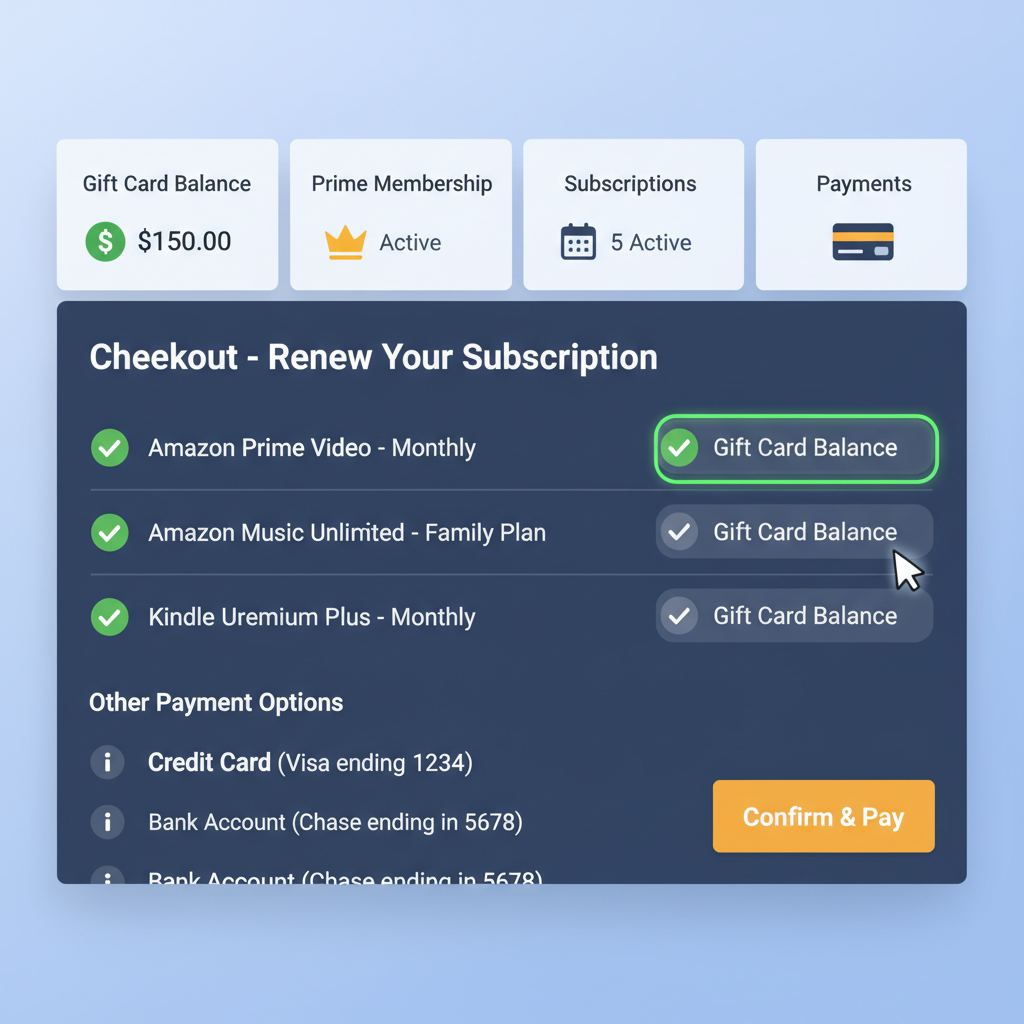
Your Amazon gift card balance is also super useful for digital goodies.
Kindle eBooks & digital reading
- Buy Kindle eBooks on Amazon and read them on a Kindle device or the free Kindle app.
- Some Kindle subscriptions (like certain magazine or newspaper subs) may be payable using your gift card balance, depending on region and offer.
Movies & TV (Prime Video)
You can typically use your Amazon balance (including gift card funds) for:
- Digital movie rentals
- Movie or TV show purchases
- Certain Prime Video Channels add‑on subscriptions (like premium networks), when billed through Amazon and allowed by local policy.
Apps, games, and in‑app purchases
On Amazon Appstore supported devices, you can often use your Amazon balance to pay for:
- Paid apps and games
- In‑app purchases (for games or services that process billing via Amazon)
If the charge shows up as being billed by Amazon (not some external site), your gift card balance usually can cover it.
3. Amazon services and subscriptions (sometimes)
This is where things get a little more nuanced.
Depending on region and Amazon’s current rules, you may be able to use an Amazon gift card balance toward:
- Amazon Prime membership (monthly or yearly), in some countries
- Prime Video Channels (add‑on streaming subscriptions billed through Amazon)
- Some digital subscriptions like certain news or apps that bill via your Amazon account
However, not all subscriptions accept gift card balances in every region. Amazon often draws a line between one‑time digital purchases (movies, eBooks) and recurring memberships (Prime, Music Unlimited, etc.).
When in doubt:
- Go to your Amazon account → Your Payments → Gift Cards.
- Ensure your gift card is redeemed to your Amazon balance.
- Start the subscription signup and check if Amazon balance shows up as a payment option.
You might be able to cover some subscriptions with your gift card, but it’s not guaranteed. Always check the payment options screen.
4. Third‑party sellers on Amazon
Here’s a common question: Can I use an Amazon gift card to pay third‑party sellers on Amazon?
Yes — as long as the transaction happens on Amazon’s platform.
If the item is:
- Labeled with a price and Add to Cart button on Amazon
- Sold by a third‑party seller but fulfilled or processed by Amazon’s checkout
…then your gift card balance works just like cash at checkout, regardless of who the seller is.
You cannot use your Amazon gift card if the seller:
- Takes you off‑site to another website for payment
- Requires payment directly via PayPal, bank transfer, or an external method outside of Amazon’s checkout system
If you’re still in Amazon’s checkout, your gift card is valid. If you’ve been kicked to another website, it’s not.
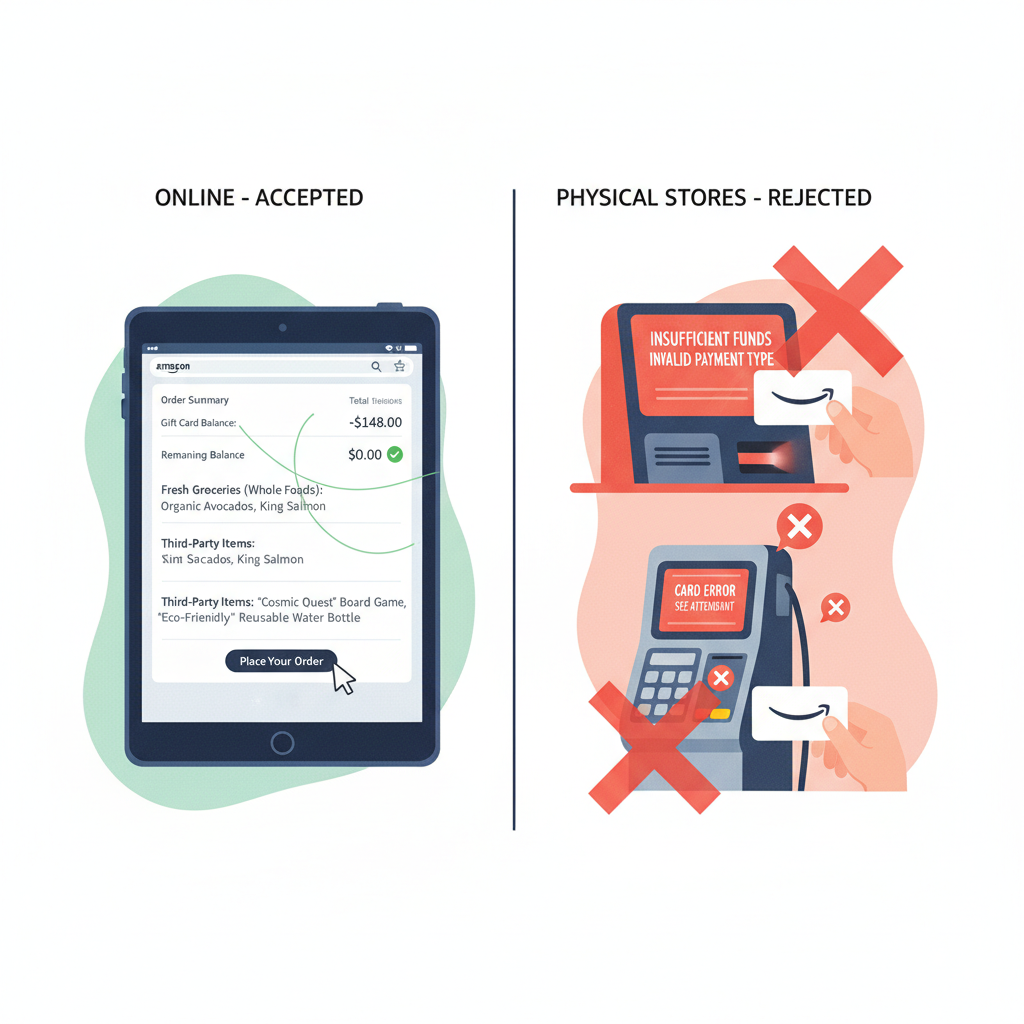
5. Can I use an Amazon gift card in physical stores?
Plainly: No, not like a normal Visa or Mastercard gift card.
You typically cannot:
- Swipe an Amazon gift card at a grocery store
- Use it at gas stations
- Pay at Walmart, Target, or other retailers
The gift card is meant for Amazon’s ecosystem only.
However, there’s one workaround inside Amazon’s world: you can sometimes buy other brands’ gift cards on Amazon (like restaurants, gaming platforms, or retail stores). If Amazon sells those and allows purchase with your gift card balance, you’ve effectively turned your Amazon card into something more flexible.
This depends heavily on:
- What third‑party gift cards Amazon is selling at the moment
- Whether those specific cards are eligible to be bought with gift card balance (Amazon sometimes restricts this)
You can’t walk into Starbucks and tap your Amazon card — but you might buy a Starbucks gift card on Amazon using your Amazon balance, if Amazon allows it for that product.
6. Can I use an Amazon gift card for Amazon Fresh, Whole Foods, or groceries?
This one depends on your location and how the purchase is billed.
- Amazon Fresh and grocery deliveries via Amazon.com: In many cases, yes, you can use your Amazon gift card balance for eligible grocery orders placed directly on Amazon’s site or app.
- Whole Foods Market physical stores: In general, you cannot directly use an Amazon gift card at the in‑store checkout like you would use a credit card. Whole Foods accepts select forms of payment, but Amazon.com gift card codes usually aren’t one of them.
Always check the payment screen:
- If the order is placed and paid for through Amazon.com (or the Amazon app) and shows Amazon Gift Card balance as an option, you’re good.
- If you’re at a physical register in a store, assume no, unless the store specifically advertises otherwise.
Grocery delivery via Amazon? Often yes. Paying at a regular supermarket or Whole Foods checkout with the code? Usually no.
7. What about converting to cash or using it elsewhere?
This is where you should proceed with caution.
Things you generally cannot (or should not) do:
- Convert an Amazon gift card directly to cash through Amazon — they don’t support that.
- Transfer the gift card balance to another Amazon account after it’s redeemed (Amazon typically doesn’t allow this).
- Sell your gift card via shady websites or social media — high risk of scams.
If you really don’t want to use Amazon yourself, safer options include:
- Regifting the card (yes, the simplest option).
- Using it to buy something widely useful (like diapers, household basics, or another brand’s gift card if allowed) and gifting those instead.
Treat Amazon gift cards like store credit, not cash. Anything that promises “instant Amazon to cash conversion” is usually sketchy.
8. How to redeem and actually use your card
Having the card is one thing; making sure it’s properly redeemed is another.
Step 1: Add the gift card to your account
- Sign in to your Amazon account.
- Go to Account & Lists → Your Account → Gift Cards (wording may vary slightly).
- Click Redeem a Gift Card.
- Enter the claim code from the back of the card or the email.
- Your Amazon balance will update.
Once redeemed, you don’t have to re‑enter the code — the balance just sits in your account until you use it.
Step 2: Shop like normal
- Add items to your cart.
- Go to checkout.
- On the payment screen, make sure Amazon Gift Card / Balance is selected or applied.
- If your purchase exceeds your gift card balance, Amazon will let you pay the difference with another method (credit/debit card, etc.).
Step 3: Track your balance and activity
Under Your Account → Gift Cards, you can:
- See your current balance
- Review how past purchases used your balance
- Add more gift cards over time
Redeem first, shop second. Once the card is loaded, using it is almost automatic.
9. Common limitations and “gotchas”
To avoid surprises at checkout, keep these in mind:
- Country lock: Most Amazon gift cards only work on the specific regional site they’re made for (e.g., U.S. card → Amazon.com only).
- Non‑transferable once redeemed: You can’t move the balance to another account.
- No cash withdrawals: You can’t use it at ATMs or for cash advances.
- Some items are ineligible: Certain digital subscriptions, recurring charges, or external services might not accept gift card funds.
- Watch out for scams: Amazon (and legit retailers) will never ask to be paid in Amazon gift cards for taxes, bail, tech support, or random emergencies. If someone demands Amazon gift card codes as payment, assume scam and walk away.
Amazon gift cards are powerful inside Amazon’s walls, but pretty limited once you step outside them.
10. Smart ways to get the most value
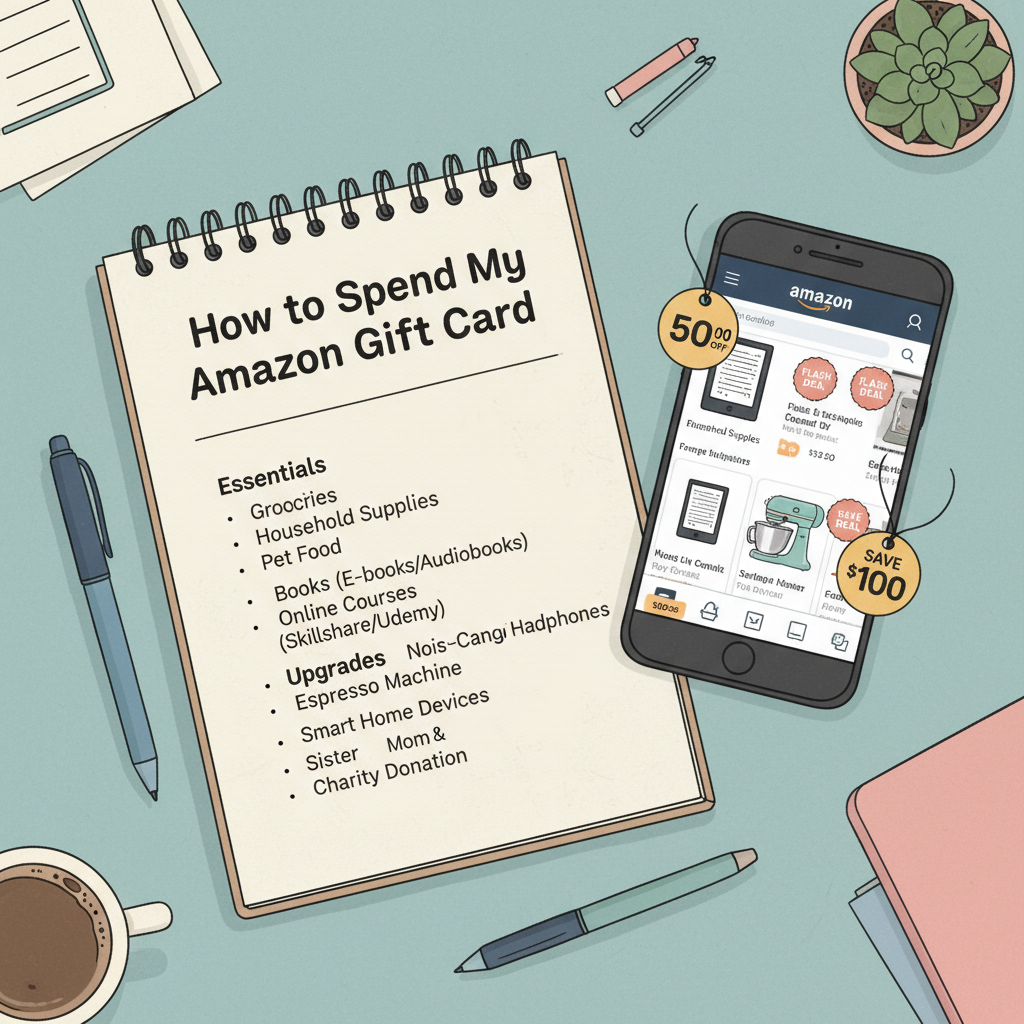
Instead of using your gift card on random impulse buys, consider:
- Covering essentials: Household supplies, pantry staples, pet food, or baby products.
- Buying digital learning: eBooks, courses billed via Amazon, or pro tools that actually help you grow a skill.
- Upgrading something you already use daily: Better headphones, a mouse/keyboard, kitchen gear, workspace accessories.
- Holiday or birthday gifting: Use your balance to buy thoughtful gifts without touching your bank account.
- Stacking with deals: Combine your gift card with Amazon sales, coupons, or Lightning Deals to stretch it further.
Treat the gift card like a mini budget. Aim to spend it on things that save you time, money, or stress — not just another gadget you’ll forget in a week.
Final recap: Where can you use an Amazon gift card?
You can use an Amazon gift card for:
- Most products and digital content sold on Amazon in the matching country/region
- Many third‑party items sold through Amazon’s checkout
- Kindle eBooks, movies, TV rentals/purchases, and some apps or in‑app buys
- Certain subscriptions and services billed via Amazon (depending on region and category)
You generally cannot use it:
- At random physical stores or non‑Amazon websites
- As cash or for ATM withdrawals
- For every type of subscription or external service
If you remember just one thing: it’s store credit for Amazon’s ecosystem, not a universal payment card. Use it there, play to its strengths, and you’ll actually be glad someone gave it to you.
P.S. Maybe don’t put it back in the junk drawer this time.
Leave a Reply