Where You Can Actually Use Amazon Gift Cards
You know that feeling when you get an Amazon gift card and your brain just…blanks?
You know it’s valuable, but you’re suddenly staring at 12 million products thinking, “Sooo…can I use this for Netflix? Groceries? Rent?!”
Let’s fix that.
This guide breaks down exactly where you can use Amazon gift cards, what you can’t do with them, and a few creative ways to squeeze every last cent of value out of them.
Quick Answer: Where Can You Use Amazon Gift Cards?
In short:
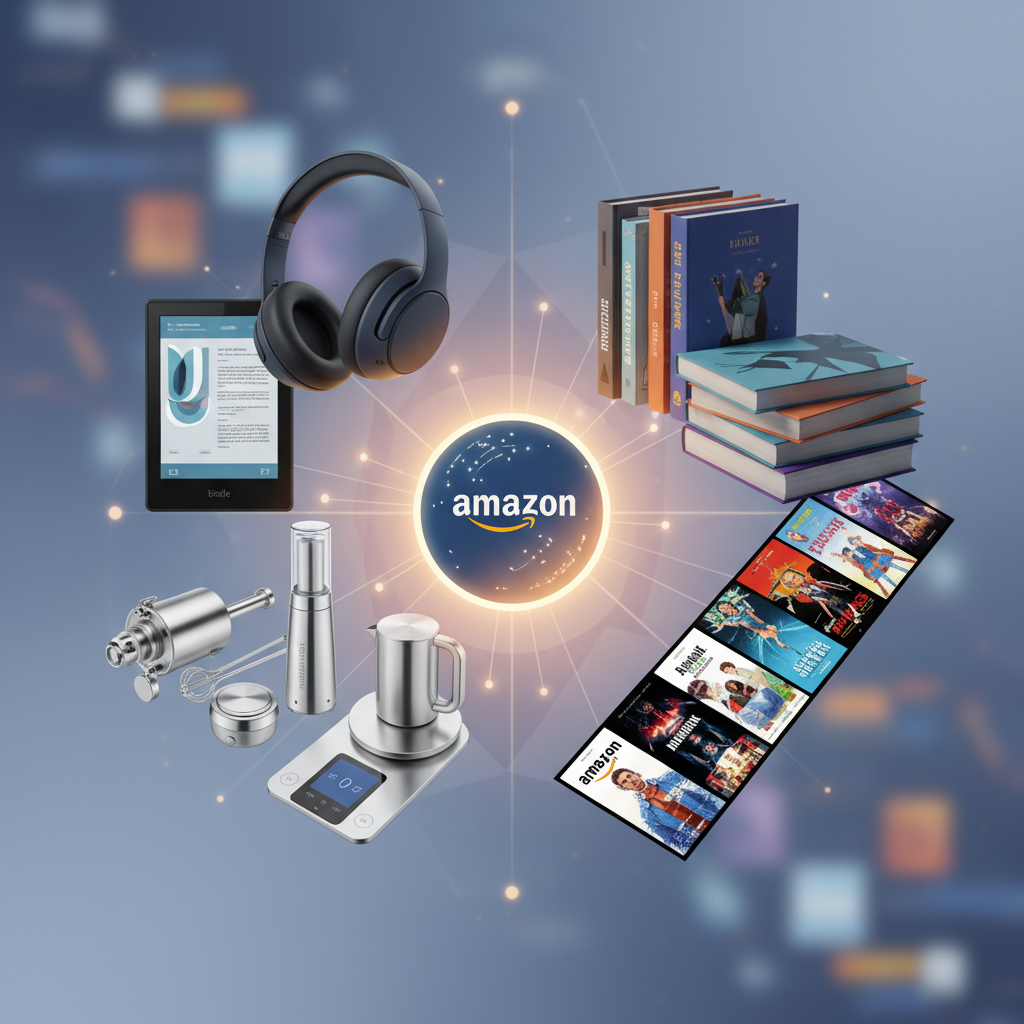
You can use Amazon gift cards to buy eligible goods and services sold on Amazon’s platforms, mainly:
- Amazon.com (U.S.) – products, digital content, and some services
- Amazon-owned digital services (like Kindle, some in-app purchases via Amazon, etc.)
- Certain third-party sellers on Amazon (as long as checkout is processed through Amazon)
You cannot usually use them:
- Outside Amazon’s ecosystem (e.g., at Walmart, Target, or gas stations)
- For most subscription services billed externally (e.g., Netflix, Spotify)
- For cash withdrawals or money transfers
We’ll go deeper into each category below.
Takeaway: If checkout happens on Amazon, you’re probably good. If it’s a random website or a physical store, probably not.
1. Physical Products on Amazon.com (The Obvious One—But With a Twist)

Yes, you can absolutely use an Amazon gift card to buy the usual suspects:
- Electronics (headphones, laptops, cables)
- Home and kitchen (coffee makers, cookware, decor)
- Clothing, shoes, and accessories
- Toys, games, and hobby items
- Beauty, health, and personal care products
If the item is available on Amazon.com and marked as purchasable (not restricted, not an add-on-only with no other items, etc.), you can apply your Amazon gift card balance directly at checkout.
What about third‑party sellers?
If you’re buying from a marketplace seller (not “Ships from and sold by Amazon.com”), that’s usually fine too—as long as:
- You’re checking out through Amazon, not getting redirected
- The item is eligible for standard Amazon checkout
Takeaway: If it’s a normal product page on Amazon.com with a standard “Add to Cart” button, your gift card balance works.
2. Digital Content: Kindle Books, Movies, Music, and More
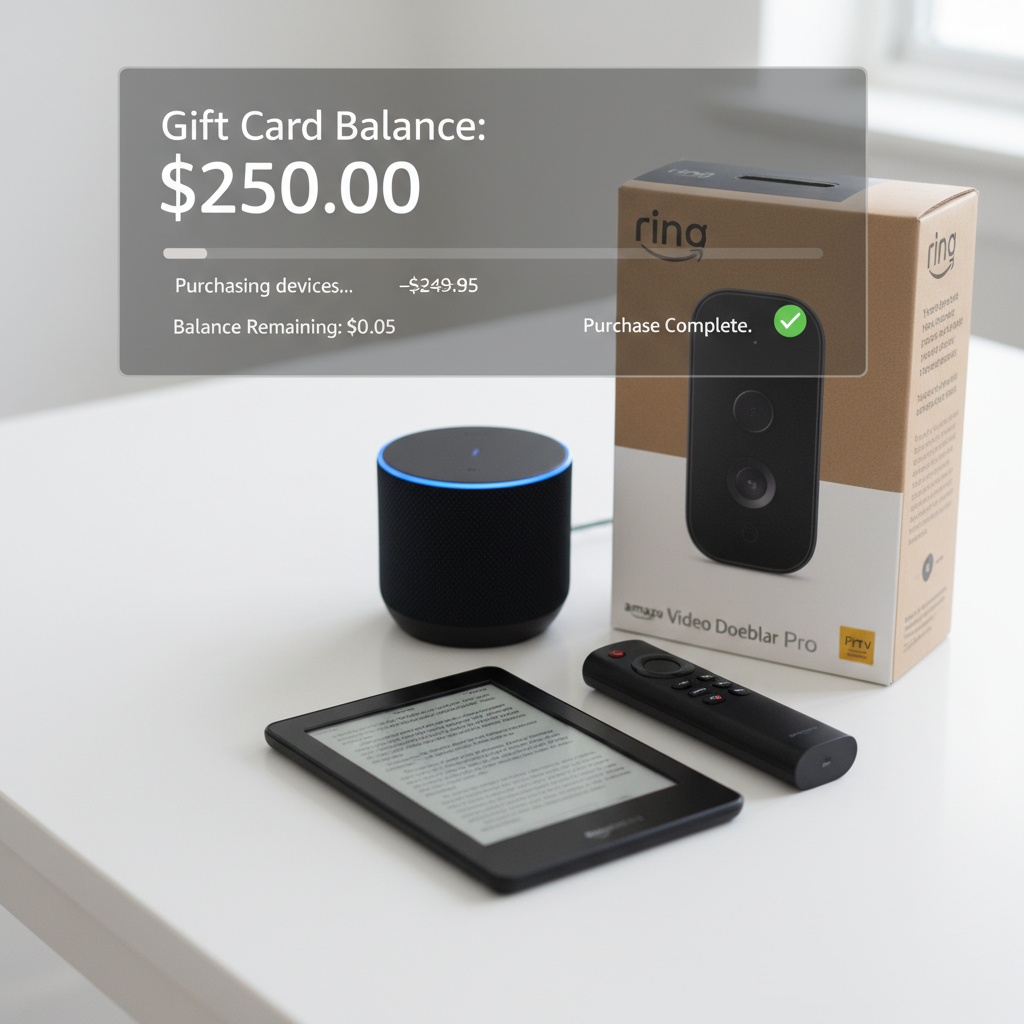
This is where Amazon gift cards get really fun.
You can use them for a lot of digital goodies, including:
Kindle Store
Use your Amazon gift card balance to buy:
- Kindle eBooks
- Some digital magazines and subscriptions sold via the Kindle Store
Once you’ve redeemed the card to your Amazon account, your Kindle purchases will pull from that balance first.
Prime Video (Rentals & Purchases)
Your gift card balance can usually be used to:
- Rent or buy movies
- Purchase TV episodes or full seasons
This is great if you don’t want to connect a credit card but still want to rent a new release for movie night.
Amazon Music (Purchases)
While most people now stream via subscriptions, your Amazon gift card balance may be used for:
- Buying digital music tracks or albums sold by Amazon (where available)
Note: That’s different from paying for a recurring Amazon Music subscription (we’ll talk subscriptions in a bit).
Takeaway: If it’s a one-time digital purchase sold by Amazon—book, movie, show, track—your gift card balance is likely fair game.
3. Apps, Games, and In‑Game Content (Within Amazon’s Ecosystem)

Depending on your device and region, you can often use Amazon gift cards to fund:
- Apps and games from the Amazon Appstore (e.g., on Fire tablets, some Android devices)
- In‑app purchases in apps that support billing through the Amazon Appstore
So if you or your kids are playing a game on a Fire tablet and want extra coins, gems, skins, or power-ups, your Amazon balance can often cover that—without tying a credit card to the account.
Takeaway: If the app or game is downloaded via Amazon Appstore or running on a Fire device, your gift card can often fuel your gaming habit.
4. Amazon Devices and Accessories
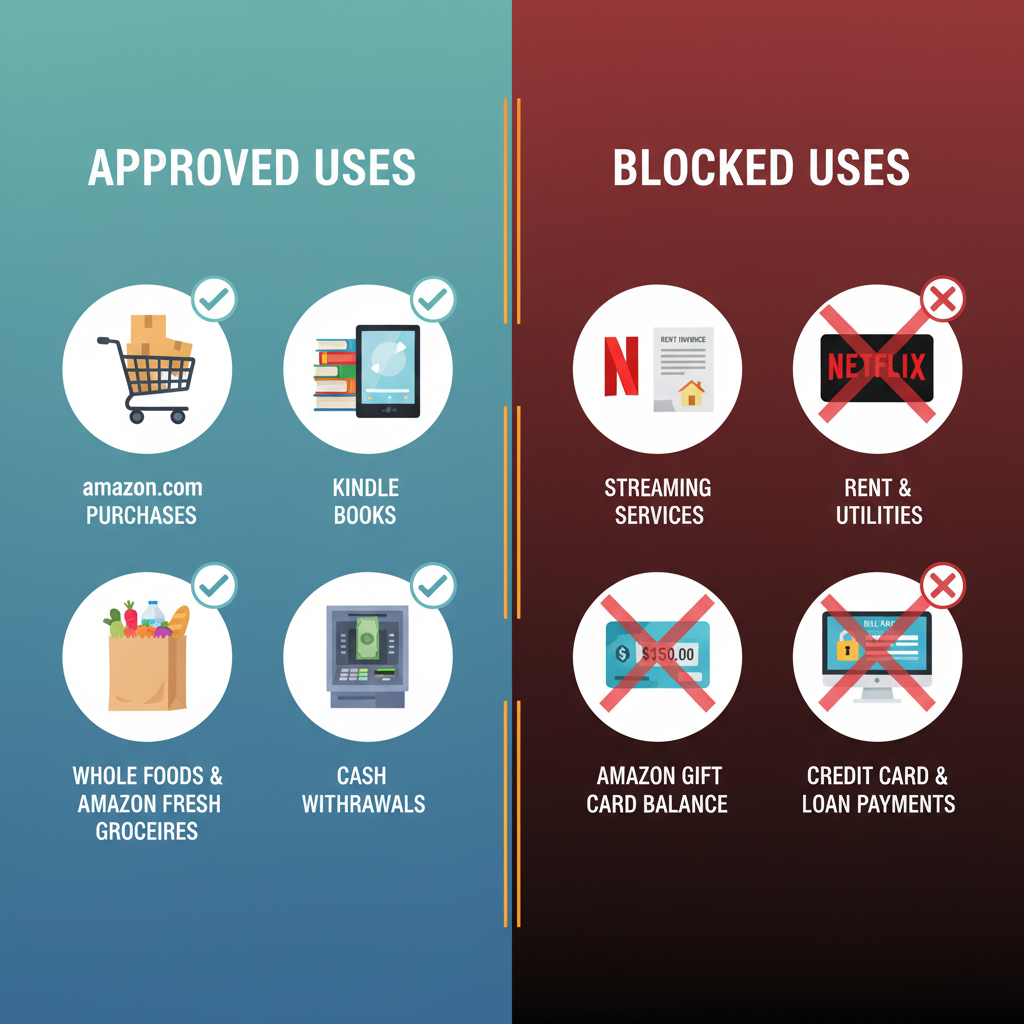
You can absolutely use Amazon gift cards to buy Amazon’s own hardware, such as:
- Kindle e-readers
- Fire tablets
- Fire TV sticks
- Echo devices (Alexa smart speakers and displays)
- Ring and Blink devices (sold via Amazon)
This can be a smart long‑term play: use your gift card on a device, then keep using your balance (or future cards) for books, movies, or apps on that device.
Mini scenario:
- You use a $50 Amazon gift card to buy a basic Kindle on sale.
- You later use another $25 in gift cards to slowly build a personal ebook library.
Takeaway: Amazon devices + Amazon content = one of the best, most “on-brand” uses of a gift card.
5. Groceries and Household Essentials (Yes, Really)
If you’re thinking, “Fun gadgets are nice, but I kind of just need toilet paper and coffee,” you’re not alone.
In many areas, you can use Amazon gift cards for:
- Pantry staples: rice, pasta, canned goods
- Snacks and drinks
- Toiletries, cleaning supplies, paper goods
- Baby supplies: diapers, wipes, formula (where allowed)
This usually happens through:
- Amazon.com directly (for nonperishable and household items)
- Amazon Fresh in regions where it’s available and where your account/payment setup allows using gift card balance toward eligible charges
Some grocery or delivery programs may have fine print about what can be paid with gift card balance (for example, certain fees, tips, or regional restrictions), so always double‑check at checkout.
Takeaway: Don’t overlook the boring-but-crucial stuff. Turning a gift card into a month’s worth of kitchen basics is a very adult, very valid flex.
6. Third‑Party Gift Cards Sold on Amazon
Here’s a clever move: sometimes you can use your Amazon gift card to buy other brands’ gift cards, such as:
- Restaurants (e.g., fast food chains, coffee shops)
- Entertainment services
- Retail brands that you prefer to shop with directly
Not all gift cards are eligible, and availability can change. Some merchant cards or prepaid products may be excluded from purchase using promotional or gift balances, depending on Amazon’s current policies.
But when it is allowed in your region and on your account, this essentially lets you:
Turn an Amazon gift card into a Starbucks, DoorDash, or other specific-brand gift card.
Takeaway: If you’d rather treat yourself at a favorite brand than shop on Amazon, check the “Gift Cards” section on Amazon.com and see which ones are purchasable using your account balance.
7. Can You Use Amazon Gift Cards for Subscriptions?
This is where things get a little more nuanced.
Amazon Prime Membership
In some cases, you can use Amazon account balance (including gift card funds) to pay for:
- Amazon Prime membership (monthly or annual), depending on region and payment options
But there are often rules:
- You may need to have the gift card redeemed to your Amazon account balance first.
- Some Prime subscription setups still prioritize a credit/debit card on file.
You’ll need to:
- Redeem your gift card to your Amazon account.
- Go to your Prime membership settings.
- Check if your gift card/account balance is listed as a usable payment method.
Other Subscriptions (Music, Kindle Unlimited, etc.)
For subscriptions like Kindle Unlimited, Amazon Music, or channel add‑ons through Prime Video, rules can vary by time and region.
Often:
- Gift card balance is more reliably used on one‑time purchases (books, movies) than on recurring subscriptions.
- Some recurring subscriptions may require a credit or debit card, even if you have gift card balance.
Takeaway: Think of gift cards as best for one‑time purchases, not ongoing monthly bills—unless Amazon explicitly lets you choose account balance at checkout.
8. Where You Cannot Use Amazon Gift Cards (Common Myths)
To save you some frustration, here are the big “nope” categories.
1. You (Usually) Can’t Use Them Outside Amazon
Amazon gift cards are not like Visa or Mastercard gift cards.
You generally cannot use Amazon gift cards:
- At physical stores like Walmart, Target, Costco, or local shops
- On other retailers’ websites (unless you’re buying their digital gift card through Amazon, as covered above)
2. No Cash, No Transfers, No Sneaky Conversions
You can’t:
- Convert them directly to cash
- Withdraw the balance at an ATM
- Transfer the balance to PayPal, Venmo, Cash App, etc.
- Resell the balance through Amazon itself
There are third‑party gift card resale sites out there, but be extremely careful—many are high‑fee, low‑value, or just not worth the headache.
3. Not for Most Bills (Rent, Utilities, Phone, etc.)
Your landlord, utility company, and cell provider are not taking Amazon gift cards anytime soon.
There are sometimes workarounds—like using Amazon to buy a third‑party gift card to pay a specific service—but that depends heavily on whether:
- The gift card you need is sold on Amazon
- It allows online bill payment with that brand
Takeaway: If you’re trying to treat an Amazon gift card like universal money, the system will fight you. It’s designed for Amazon-related spending.
9. Region and Policy Gotchas (Read This Before You Gift One)
A few important fine-print realities:
Country/Region Lock
Most Amazon gift cards are region-specific.
- A U.S. Amazon.com gift card is intended for use on Amazon.com (US), not necessarily Amazon UK, Germany, India, etc.
- If you gift someone in another country an Amazon.com card, they may have a hard time using it unless they shop on the U.S. site.
Before gifting, always check:
- Which Amazon site the card is for (Amazon.com vs. .co.uk vs. .de, etc.)
- Where the recipient actually shops.
Account Security & Scams
Unfortunately, Amazon gift cards are popular with scammers, who ask victims to pay “bills,” “taxes,” or “fees” by buying cards and reading the codes.
Red flags:
- Anyone asking you to pay a debt, fine, or fee with Amazon gift cards
- Pressure to buy cards quickly and send photos or codes
Once a code is used, it’s extremely hard to recover the money. If anything feels off, stop and contact Amazon or relevant authorities.
Takeaway: Treat gift cards like cash: region-specific, nonrefundable in many cases, and attractive to scammers. Don’t read codes over the phone to anyone.
10. Smart Ways to Get the Most From Your Amazon Gift Card
Let’s end with some practical strategies so your balance doesn’t evaporate on impulse buys.
1. Build a Wishlist First
Before spending a cent:
- Make or refresh your Amazon wishlist.
- Add things you’ve actually wanted for a while.
- Sort by priority and price.
Then decide: do you want one big thing or a bunch of smaller upgrades?
2. Use It on Things You’d Buy Anyway
If money’s a bit tight, use the gift card for:
- Pantry and household essentials
- Pet food and supplies
- Work or school necessities (notebooks, gear, chargers)
That effectively frees up your real cash for rent, savings, or other goals.
3. Combine with Sales and Coupons
You can stack value by:
- Waiting for major sales (Prime Day, Black Friday, Cyber Monday)
- Applying digital coupons on product pages
- Using Subscribe & Save on items you’d buy regularly (if it fits the way you shop)
Gift card + discount = more stuff for the same balance.
4. Consider Upgrading Your Daily Tech
If you’re sitting on a mid‑size amount (say $50–$150), think about:
- A Kindle to read more and spend less on physical books
- A Fire TV stick to turn a basic TV into a streaming hub
- Better headphones or a keyboard to upgrade your work setup
These can improve your day‑to‑day life far more than random small purchases.
Takeaway: Whether you’re being practical or treating yourself, a tiny bit of planning turns an Amazon gift card from “random balance” into something genuinely useful.
Final Wrap-Up: Where Can You Use Amazon Gift Cards?
If you remember nothing else, remember this:
- Yes: Products, digital content, some apps and games, some groceries, some third‑party gift cards, and sometimes Amazon’s own subscriptions—as long as everything happens through Amazon’s checkout.
- No: Cash, rent, most bills, outside retailers, or general-purpose payment apps.
Use your Amazon gift card where it gives you the most value—whether that’s a month’s worth of essentials, a stack of Kindle books, or that gadget you’ve had your eye on for ages.
And hey, next time someone asks what you want for your birthday, you’ll know exactly how far an Amazon gift card can go.
Leave a Reply